Single Sign-On
Integrate Casdoor as the unified identity system to provide enterprise-grade SSO with OAuth 2.0 support.
Features
- Unified authentication: Sign in once to access all related apps
- User management: Centralized enterprise user and permission management
- Multiple login methods: Username/password, third-party login, and more
- Security: OAuth 2.0-based authentication for secure flows
Environment Variable Configuration
Configure the following Casdoor parameters in Docker or environment variables:
# Casdoor service configuration
CASDOOR_ENDPOINT=https://auth.cherry-ai.com          # Casdoor endpoint
CASDOOR_APP_ID=d29cf4a499060d916d5e                  # App ID
CASDOOR_APP_SECRET=your-casdoor-app-secret                     # App secret
CASDOOR_ORGANIZATION_NAME=cherry-studio               # Organization name
CASDOOR_APPLICATION_NAME=cherry-studio-enterprise    # Application name
Docker Compose Configuration
Add Casdoor configuration in docker-compose.yml:
services:
  cherry-studio-enterprise-api:
    image: cherrystudio/cherry-studio-enterprise-api:latest
    container_name: cherry-studio-enterprise-api
    environment:
      # Other required configuration omitted
      # Casdoor SSO configuration
      - CASDOOR_ENDPOINT=https://auth.cherry-ai.com
      - CASDOOR_APP_ID=d29cf4a499060d916d5e
      - CASDOOR_APP_SECRET=your-casdoor-app-secret
      - CASDOOR_ORGANIZATION_NAME=cherry-studio
      - CASDOOR_APPLICATION_NAME=cherry-studio-enterprise
    ports:
      - '3670:3670'
      - '3680:3680'
    volumes:
      - ./data:/app/data
      - ./logs:/app/logs
    restart: unless-stopped
Configuration Reference
| Environment Variable | Description | Example |
|---|---|---|
CASDOOR_ENDPOINT | Casdoor server address | https://auth.cherry-ai.com |
CASDOOR_APP_ID | App ID in Casdoor | d29cf4a499060d916d5e |
CASDOOR_APP_SECRET | App secret for secure communication | your-casdoor-app-secret |
CASDOOR_ORGANIZATION_NAME | Organization name in Casdoor | cherry-studio |
CASDOOR_APPLICATION_NAME | Application name in Casdoor | cherry-studio-enterprise |
Usage Flow
Client Login
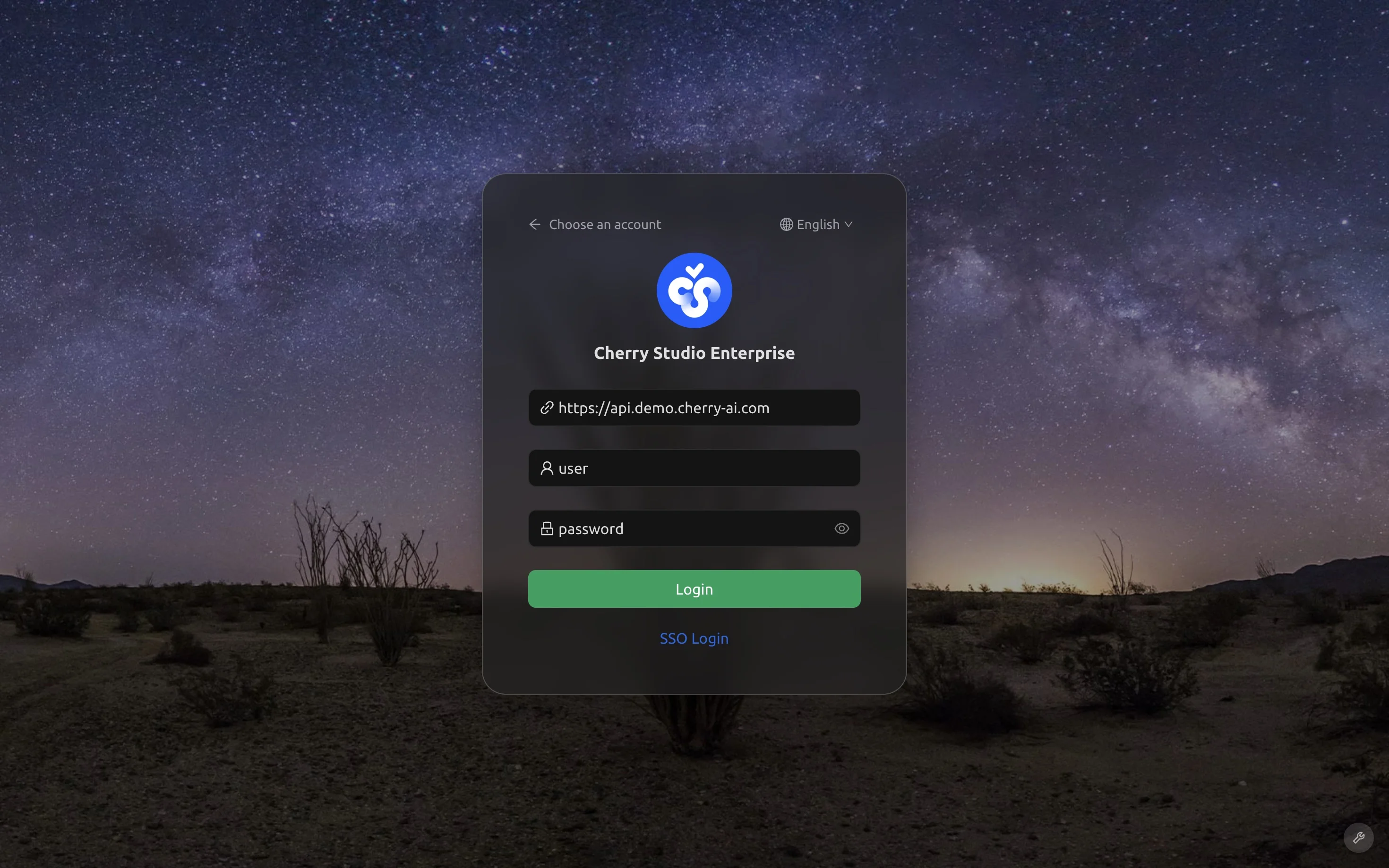
- Launch the Cherry Studio Enterprise client
- On the login page, select "One-click SSO"
- Enter the server address:
https://api.your-domain.com - The system will redirect to the Casdoor authentication page
- After authentication, the client signs in automatically
User Management
Add Users
In the Casdoor admin console:
- Go to User Management
- Click Add User
- Fill in user information:
- Username
- Name
- Password (optional, users can set their own)
- Assign to the organization:
cherry-studio
Security Notes
- Protect app secrets:
CASDOOR_APP_SECRETis sensitive information - Use HTTPS: Production must use HTTPS
- Rotate regularly: Update app secrets regularly
- Access control: Configure proper access control in Casdoor
Troubleshooting
Redirect failure
- Check
CASDOOR_ENDPOINTreachability - Confirm
API_URLis configured correctly - Verify network connectivity and firewall rules
Authentication failure
- Check
CASDOOR_APP_IDandCASDOOR_APP_SECRET - Confirm organization and application names match
- Check application logs for details
For more technical support, contact: support@cherry-ai.com