Product introduction
Cherry Studio Enterprise — a cloud-hosted AI workspace that gives teams unified model management, knowledge bases, access control, and security compliance.
Product Overview
Cherry Studio Enterprise is a cloud-hosted AI workspace for teams — no deployment, sign up and go:
- Zero deployment: ready immediately after sign-up; no servers, no infrastructure to set up
- Subscription-based: choose a plan that fits your team size; supports Alipay and bank transfer
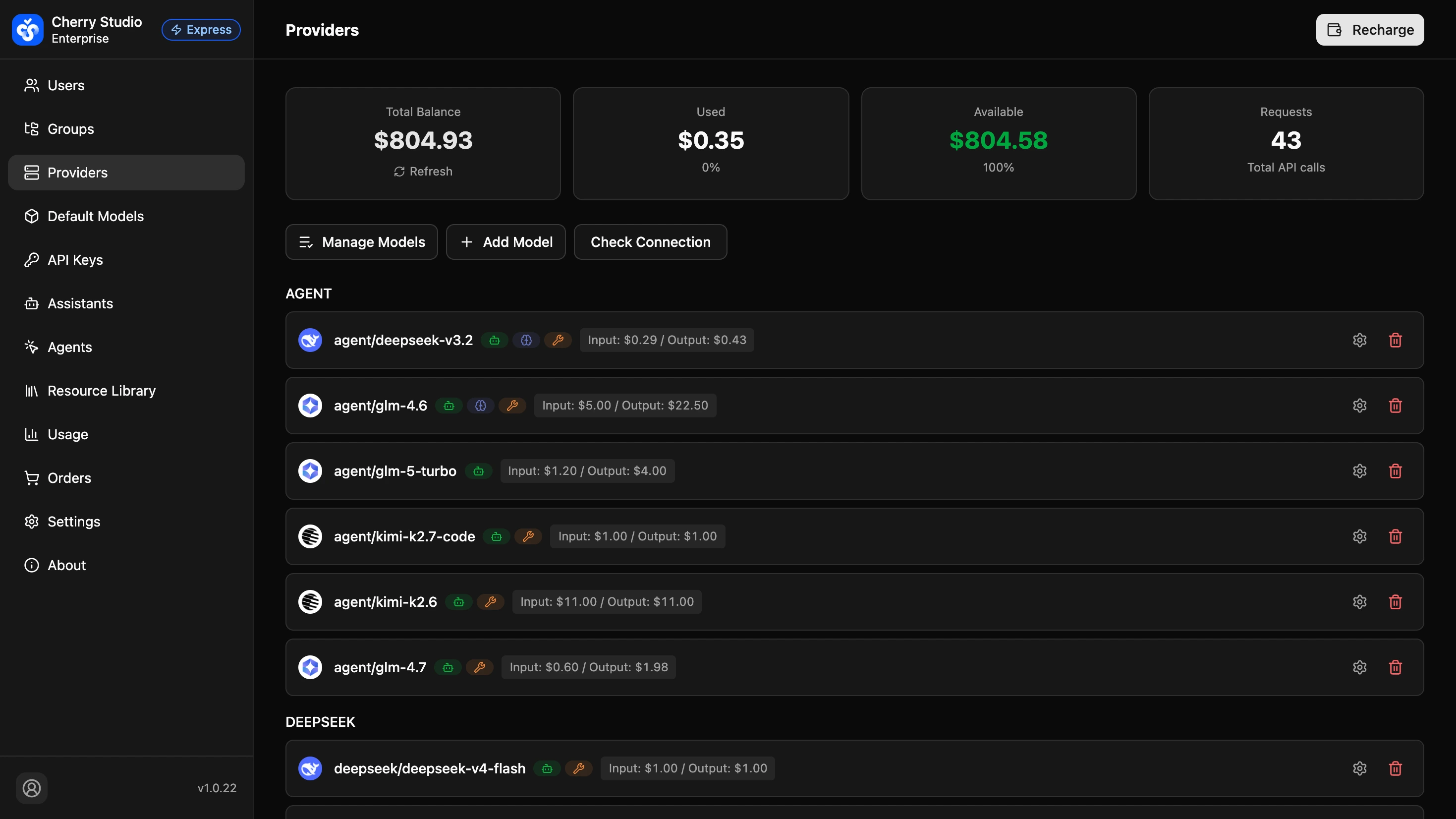
- Built-in models: DeepSeek, Zhipu GLM, Kimi, MiniMax, Qwen and more pre-configured — employees don't have to wire up anything
Get started
Ready to go? Head to Quickstart — it takes about 5 minutes to register and invite your team.
Core Advantages
Unified Model Management
Centralized access and management of mainstream LLMs so employees can use them without configuration
Enterprise Knowledge Base
Build and manage shared team knowledge bases, grounding AI interactions in unified knowledge to improve answer quality
Fine-Grained Access Control
A unified admin console with role-based permissions and flexible resource access control
Cloud-Hosted, Out of the Box
No deployment, no ops — sign up and use it. The service is maintained by Cherry Studio
Reliable Backend Services
Stable API services and enterprise-grade backup and recovery to ensure business continuity
Security and Compliance
Meets strict security and compliance requirements, supports audit logs, and keeps data usage traceable
Data Security and Isolation
Cherry Studio Enterprise provides multiple layers of data protection:
| Security | Description |
|---|---|
| Data Isolation | Strict group-based isolation — each organization's data is completely separate and invisible to others |
| Encryption in Transit | End-to-end HTTPS encryption |
| Authentication | JWT + OAuth2 with encrypted password storage |
| Access Control | Role-based fine-grained permissions (Admin / Group Admin / Member) |
| API Security | Independent API keys with per-user access isolation |
Data Isolation
Cherry Studio Enterprise uses shared infrastructure with application-level isolation. Each organization's data (model configurations, knowledge bases, assistants, files, etc.) is strictly isolated by group. Every API request goes through authentication and permission checks, ensuring access is limited to your organization's data only.
Quick Experience
Try the Admin Console
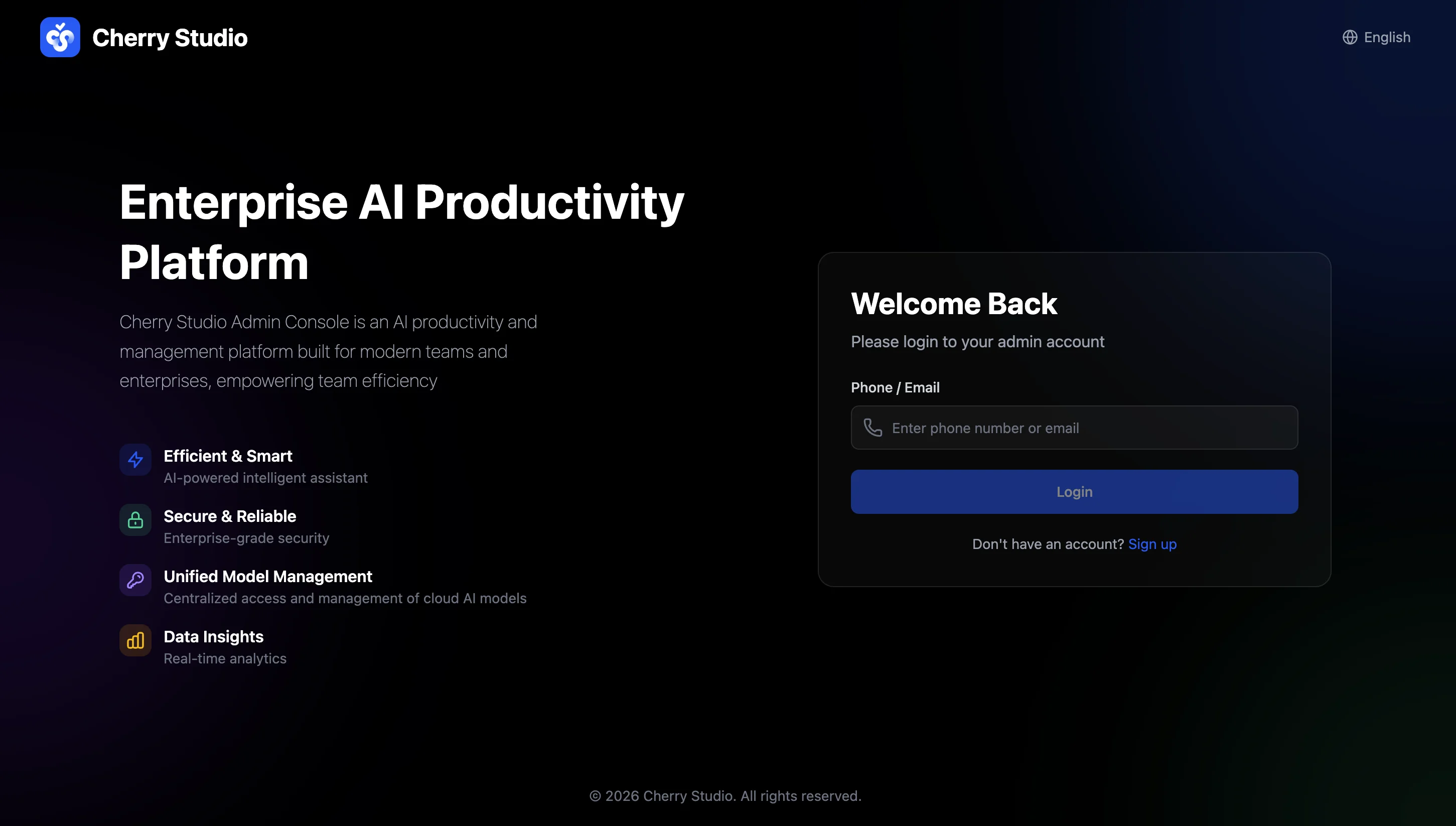
Log in to the admin console to explore Enterprise management features
Download the Enterprise Client
Install the client and set the server address to get started