Application Information
View deployment version, service health, and build info, with links to client downloads and Docker images.
Navigation: Admin Console → About → Application Information
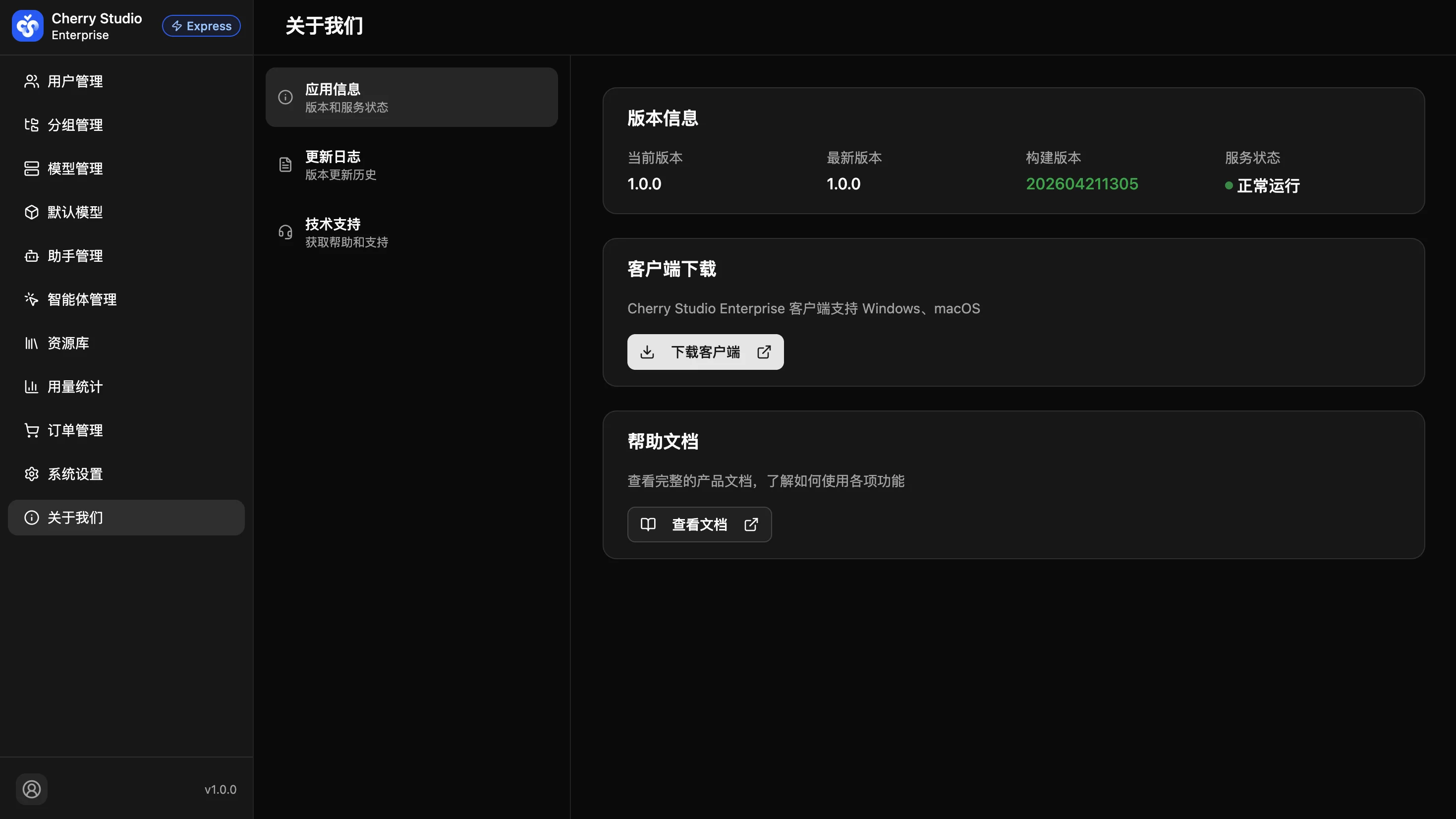
Version and Status Monitoring
The top area shows the "health" of the current deployment:
| Field | Description | Purpose |
|---|---|---|
| Current Version | Version number of the current deployment (e.g., 0.4.10). | Confirm compatibility and new feature support. |
| Latest Version | Latest officially released version (e.g., 0.4.10). | Compare with current version to determine if an upgrade is needed. |
| Build Version | Internal build timestamp to the minute (e.g., 202603311021). | Key for troubleshooting. Provide this ID when reporting bugs. |
| Service Status | Real-time backend connectivity check. | ● Running indicates healthy; red means check Docker logs immediately. |
Note: If Service status is abnormal, the frontend may still load but core backend functions (model calls, file parsing) will fail.
Resource Download Center
Admins can quickly access tools to ensure client/server version alignment:
- Client downloads: Links for Windows and macOS clients.
- Documentation: Link to official manuals (this doc site).