Account Center
Manage your personal account information, view order history, and switch or join organizations. Account Center is your self-service hub.
Entry Point
Click the person icon at the bottom-left corner of the admin console, then select Account Settings from the popup menu to enter Account Center.
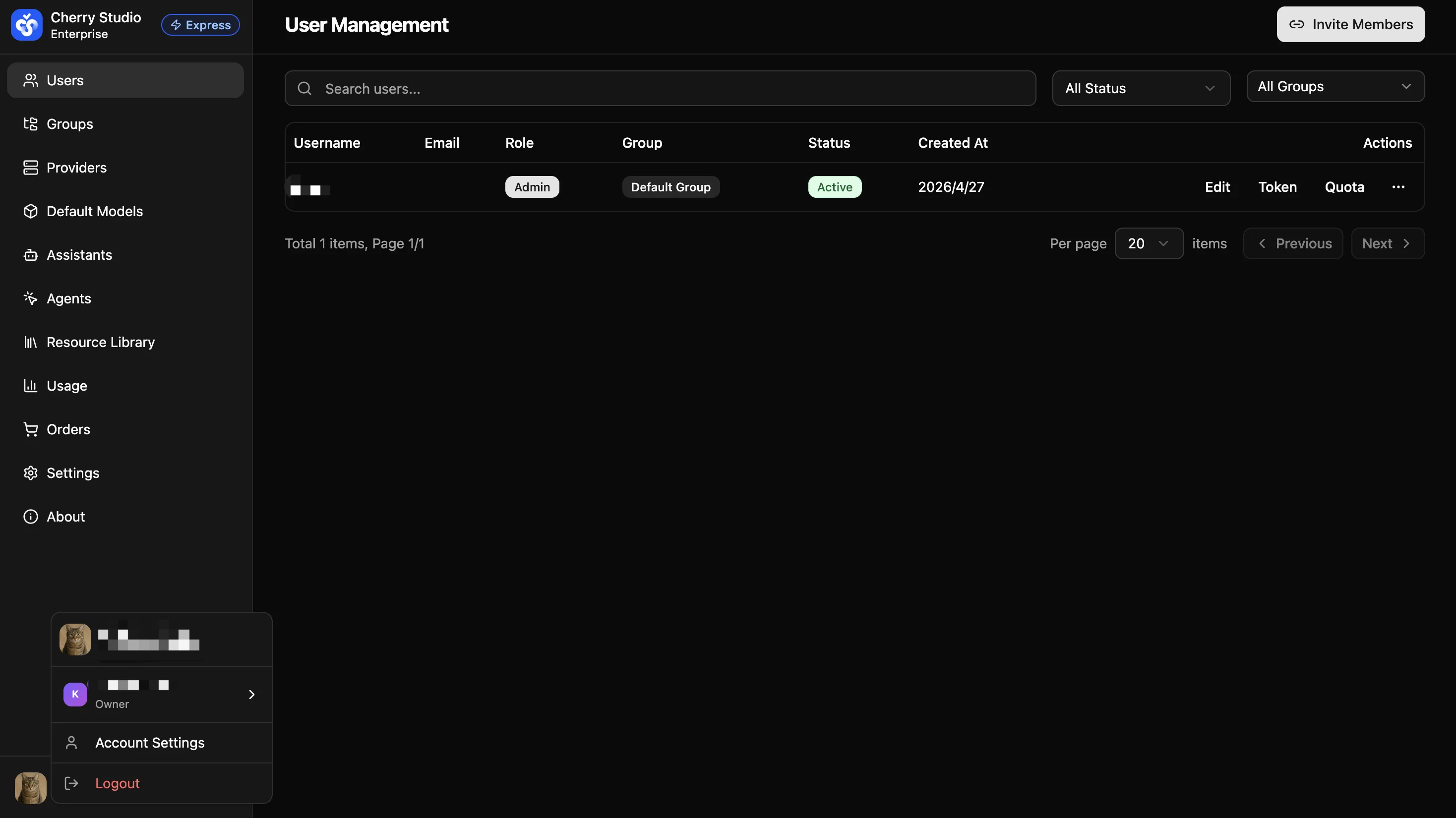
Account Center is the user self-service hub — every signed-in account can access it, distinct from admin sidebar features such as "Order Management" or "User Management".
Overview
Account Center contains three tabs:
| Tab | Description |
|---|---|
| Account Settings | View personal information (username, email) and change your login password. |
| My Orders | View all orders associated with the current account. |
| Organizations | View all organizations you have joined or created, jump to the corresponding admin console, or join a new organization with an invite code. |
The page header also provides a Download Client entry point so you can quickly grab the Cherry Studio client and start using AI services.