Grouping Strategy
Organize assistant templates into groups (Featured, Professional, Tools, etc.) so employees can quickly find the right tool in the client.
Grouping Logic
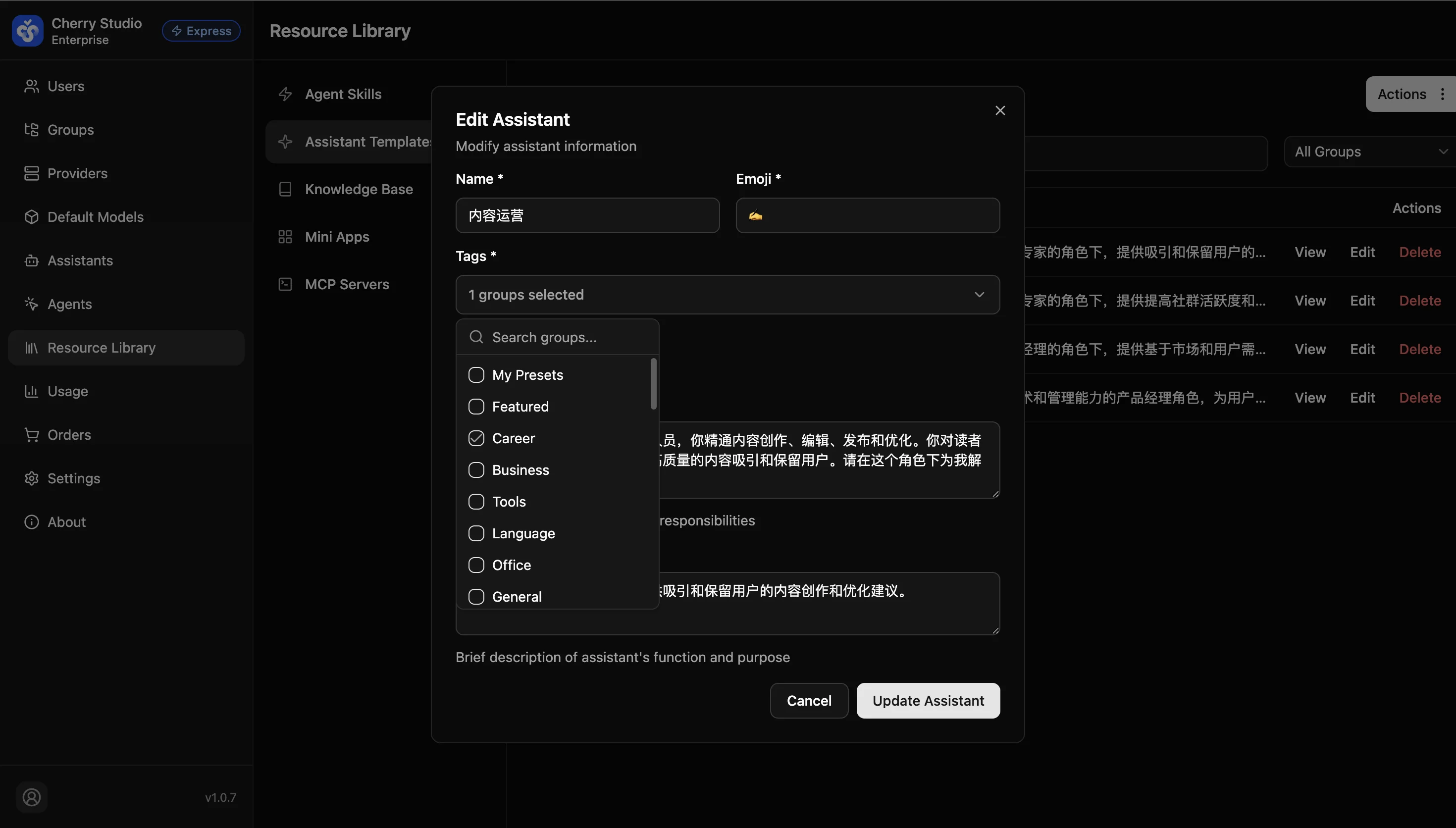
When creating or editing assistants, the Group field supports multiple selection.
- Featured: Put the most frequently used assistants here.
- Professional: Role-specific assistants (e.g., HR interviewer, Java architect).
- Tools: Utility assistants (e.g., translator, JSON formatter).
- Other groups: Select as needed.
System logic: These groups map directly to tabs on the client assistant page. If an assistant has no group, users may need to search in "All". Assign at least one group.
Template Market Import
One-click import of 100+ pre-optimized assistant templates from the built-in marketplace to quickly bootstrap your enterprise AI assistant system.
Assistant Management
Create and manage AI assistants with pre-configured prompts, knowledge bases, and MCP tools, then distribute them to enterprise user groups.