Template Market Import
One-click import of 100+ pre-optimized assistant templates from the built-in marketplace to quickly bootstrap your enterprise AI assistant system.
Import Flow
-
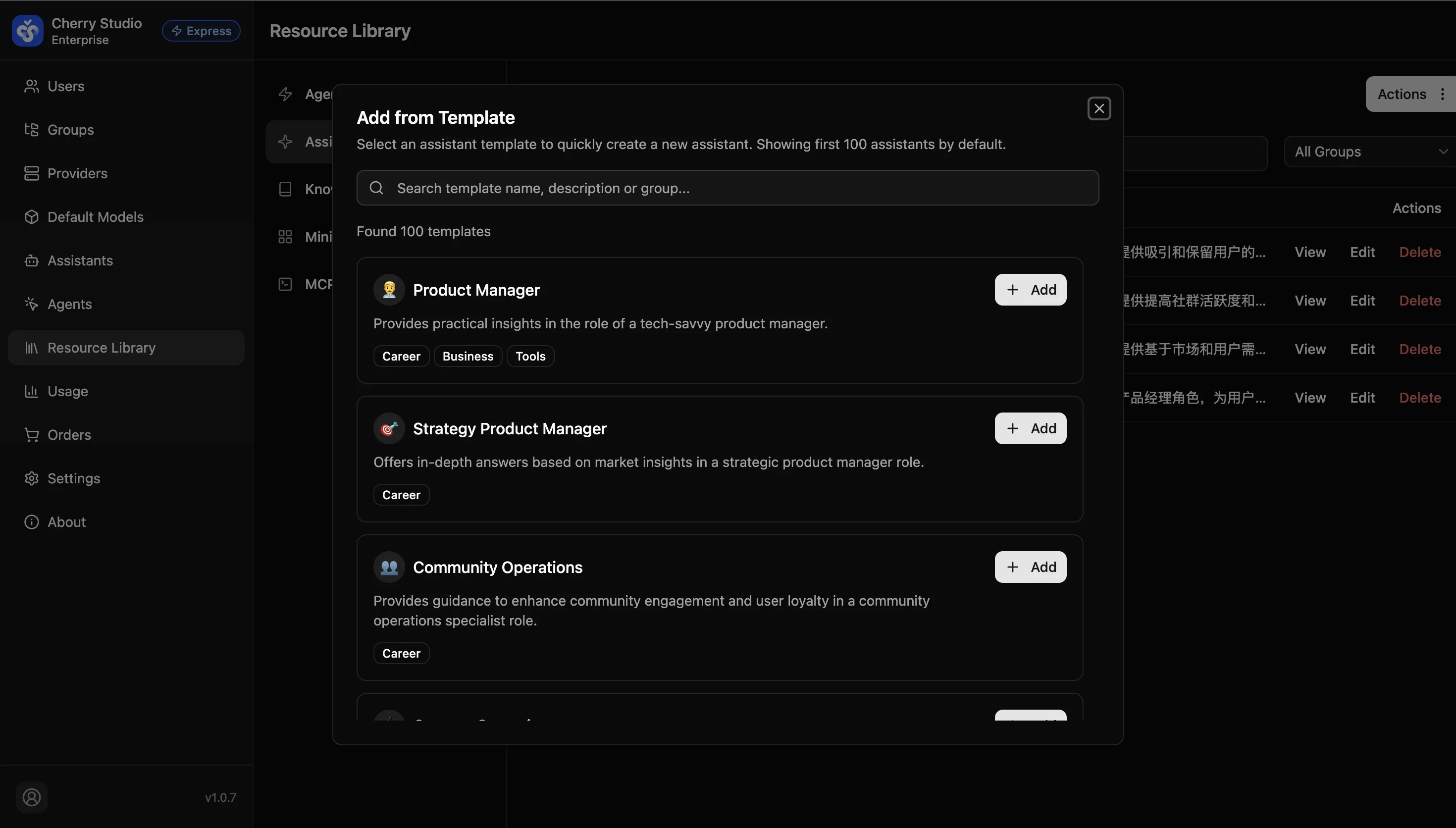
Click Actions > Add from templates in the top right.
-
Browse/Search: In the modal, browse templates across categories like "Professional", "Business", "Tools".
-
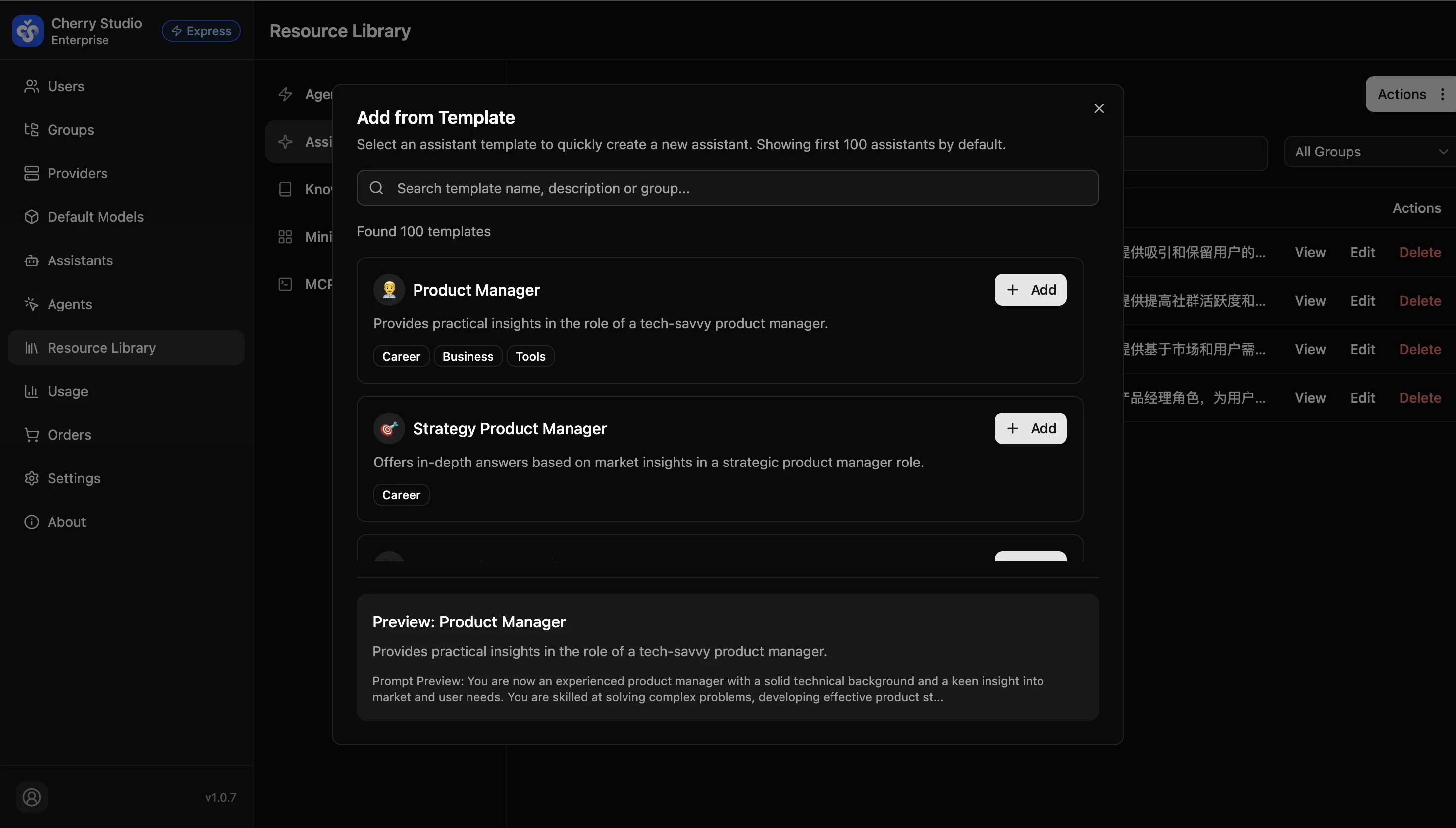
Preview: Read the description to confirm fit.
-
Add: Click + Add on the right.
Post-import Adjustments
Imported assistants appear in your list. You can edit them, for example:
- Modify the "Product Manager" prompt to fit your internal process.
- Adjust the "Community Ops" assistant tone to match your brand.
Tip: The template library is a great way to learn prompt writing. Import a high-quality template, inspect its prompt, and customize it.