License Status Overview
Check License validity and service status to quickly determine if the system is operating normally.
Unauthorized
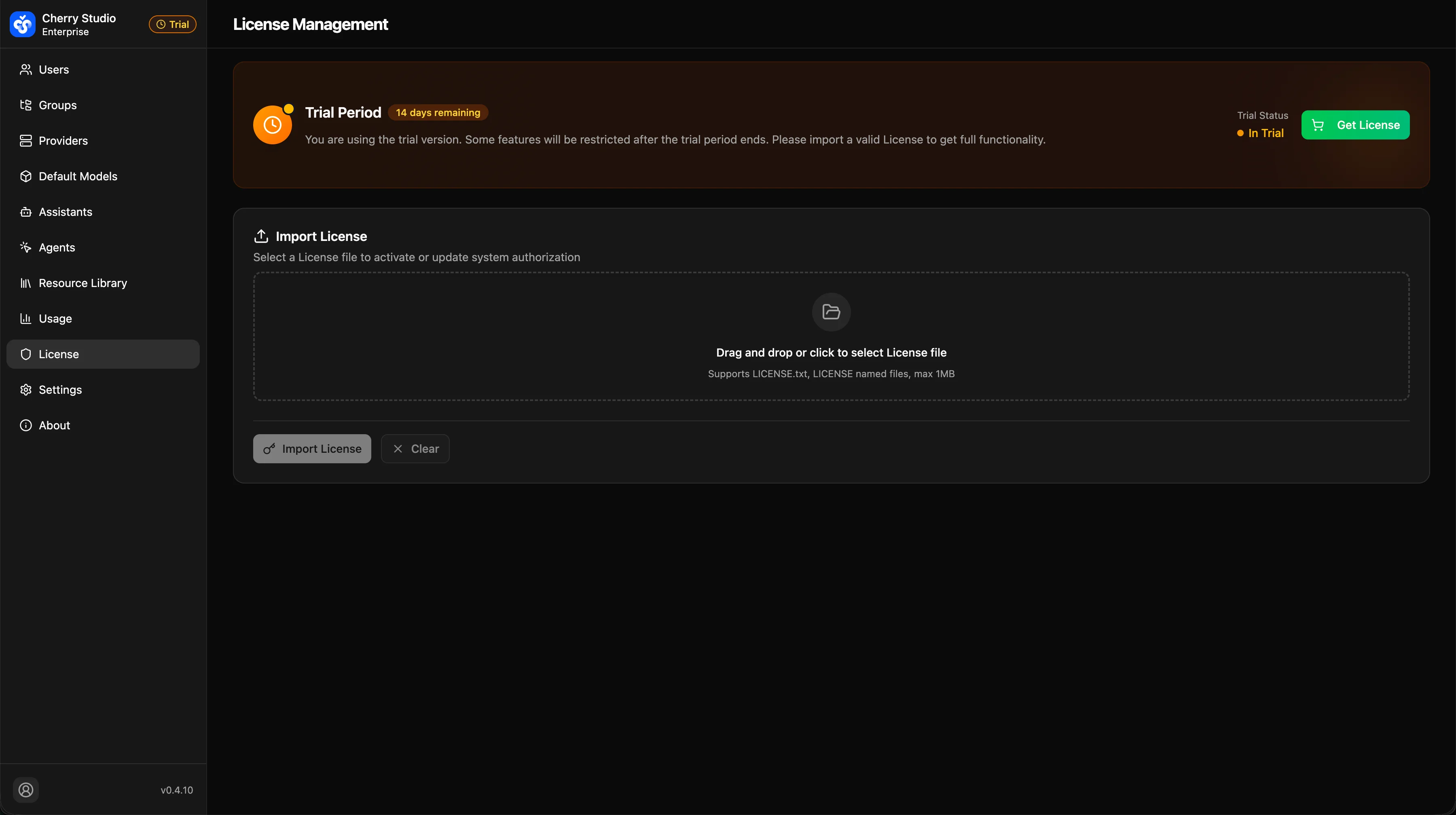
- Trial Period: The system is in trial mode with full functionality available. Import a valid License file before the trial expires to continue using all features.
License Expired
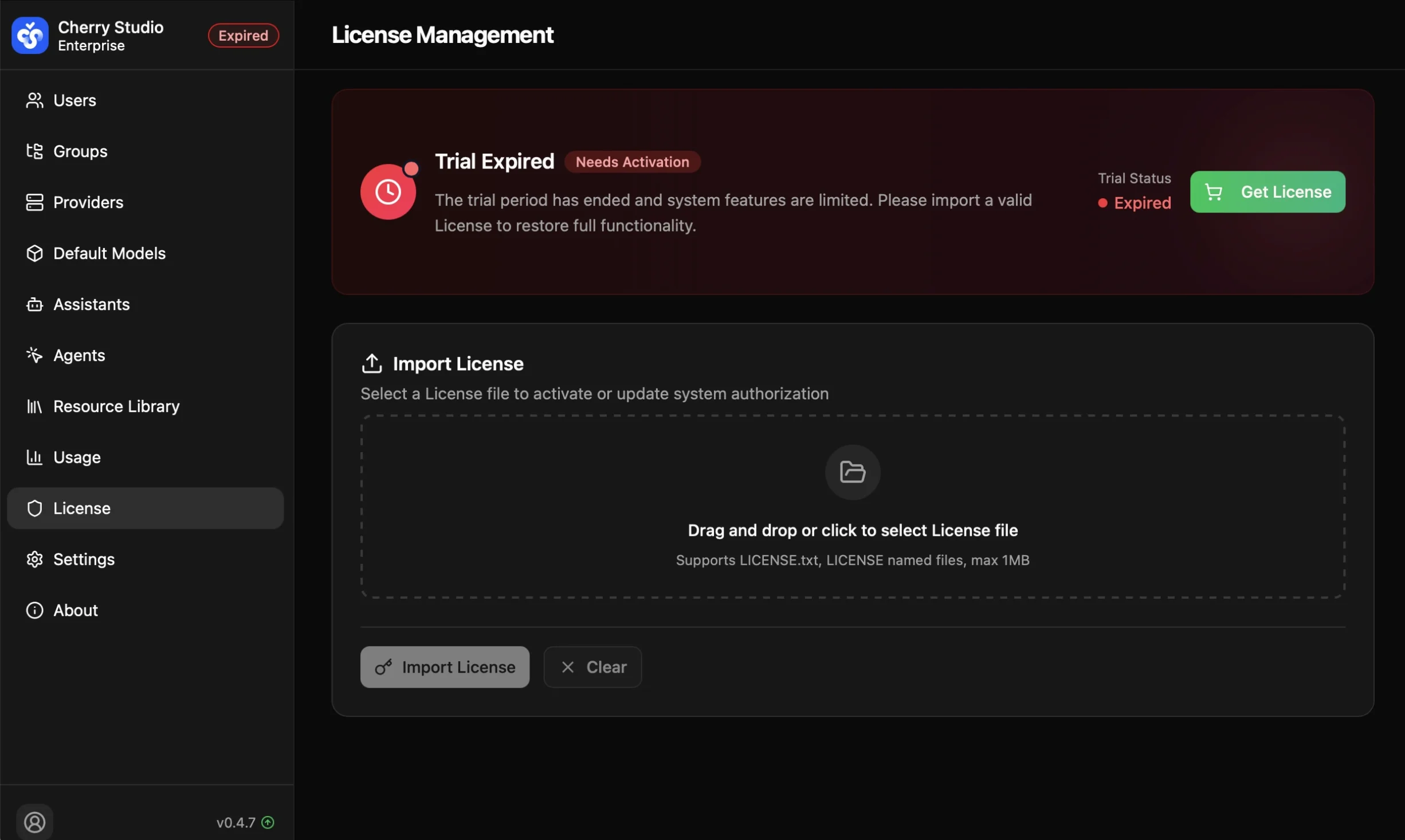
- Trial Expired: The trial period has ended and system features are limited. Please import a valid License file to restore full functionality.
Authorization Failed
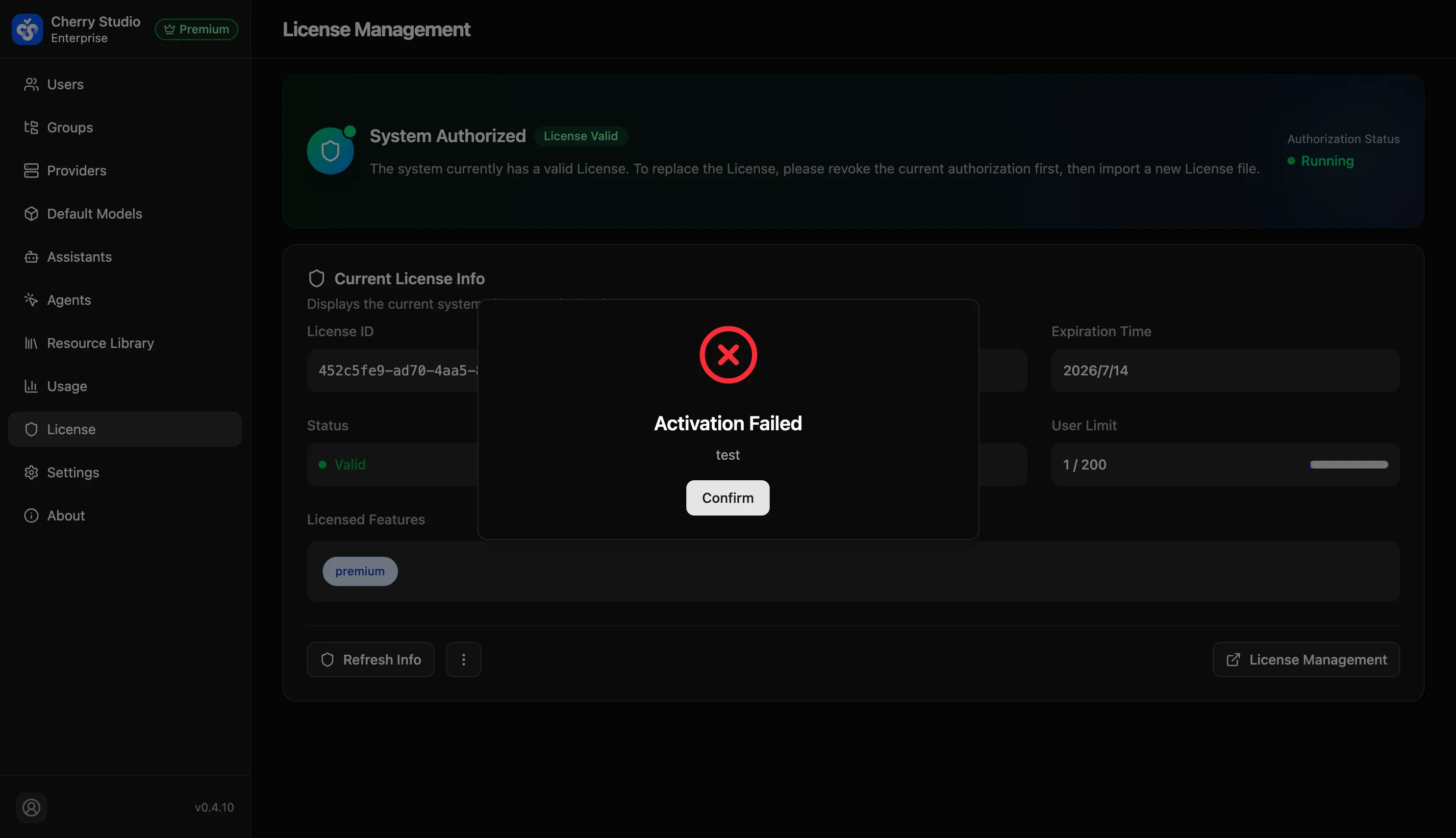
- License validation failed: The license file signature is invalid, expired, or does not match the current deployment environment.
Authorization Successful
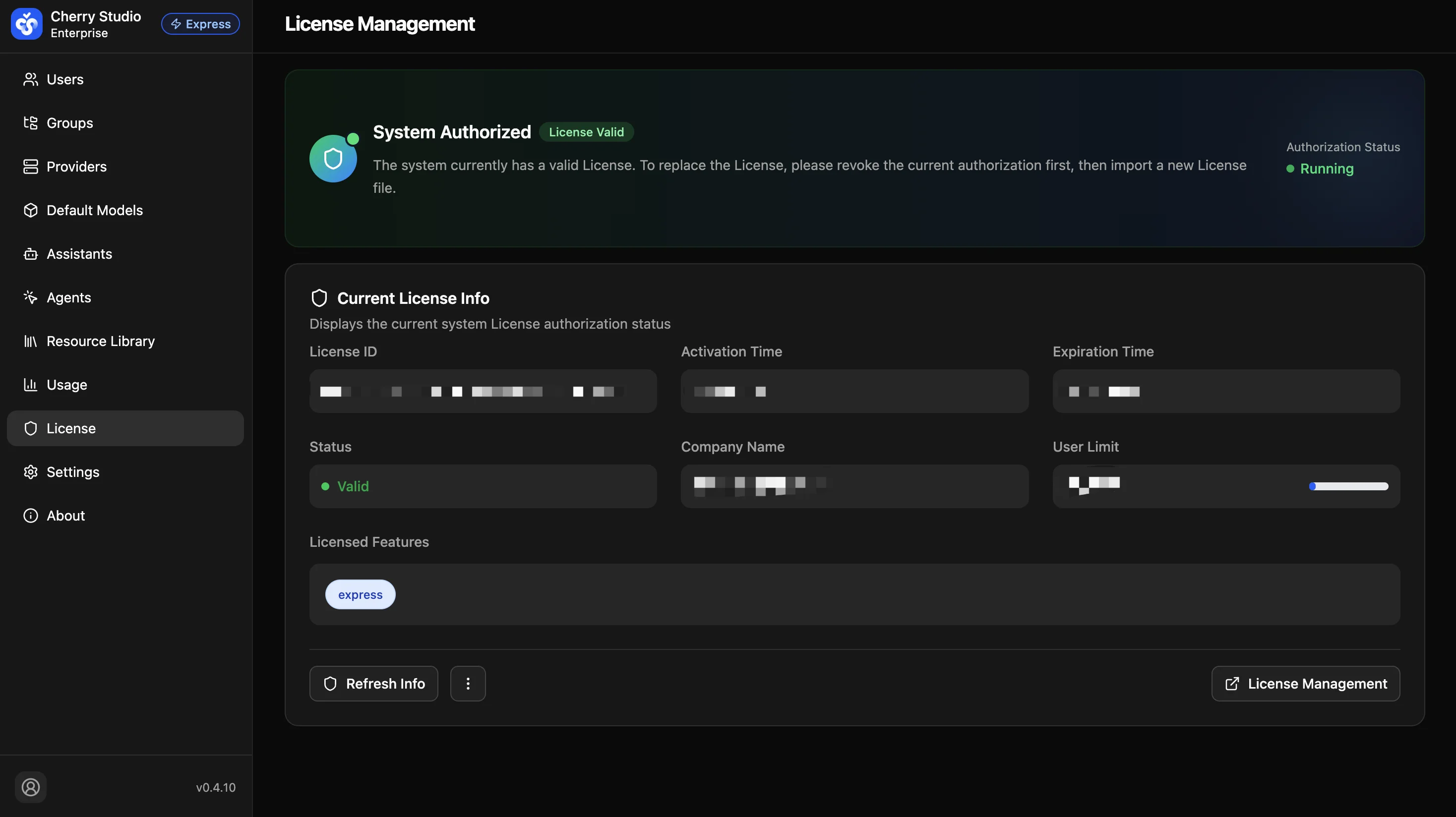
- System licensed (License valid): the license file signature is correct and within validity.
- Runtime status: the ● Running indicator on the right shows the system has successfully connected to the validation server (or passed offline validation) with no tampering risk.
Tip: Check this status monthly. If it turns red, the system may limit new users or suspend some advanced model services.