Batch Import Groups
Batch import groups via Excel or CSV files to quickly set up your organization structure.
Overview
Batch import allows admins to create multiple groups at once by uploading an Excel or CSV file — ideal for quickly setting up an organization structure.
Steps
- Go to Admin Console → Group Management
- Click the Import button in the top-right corner
- Download the standard template (Excel or CSV format) from the dialog
- Fill in the group data according to the template rules
- Upload the completed file and click Next Step to start the import
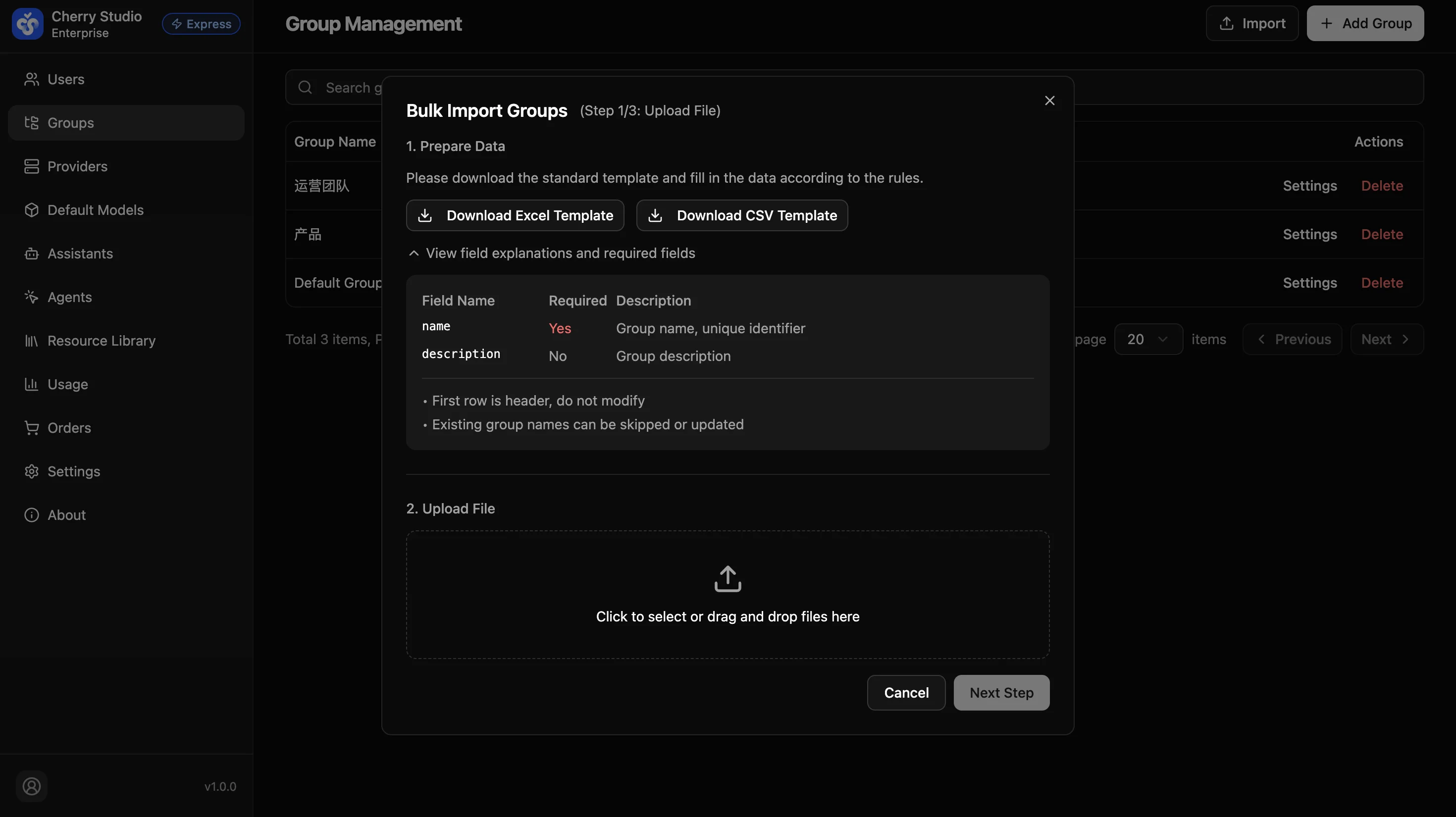
Template Fields
| Field Name | Required | Description |
|---|---|---|
| name | Yes | Group name, unique identifier |
| description | No | Group description |
Notes
- The first row is the header — do not modify it
- Existing group names can be skipped or updated