Data Source Management
Import data into a knowledge base via file uploads, web scraping, and notes.
Navigation: Admin Console → Resource Library → Knowledge Base → Click View on the target knowledge base to open details
A. File Import
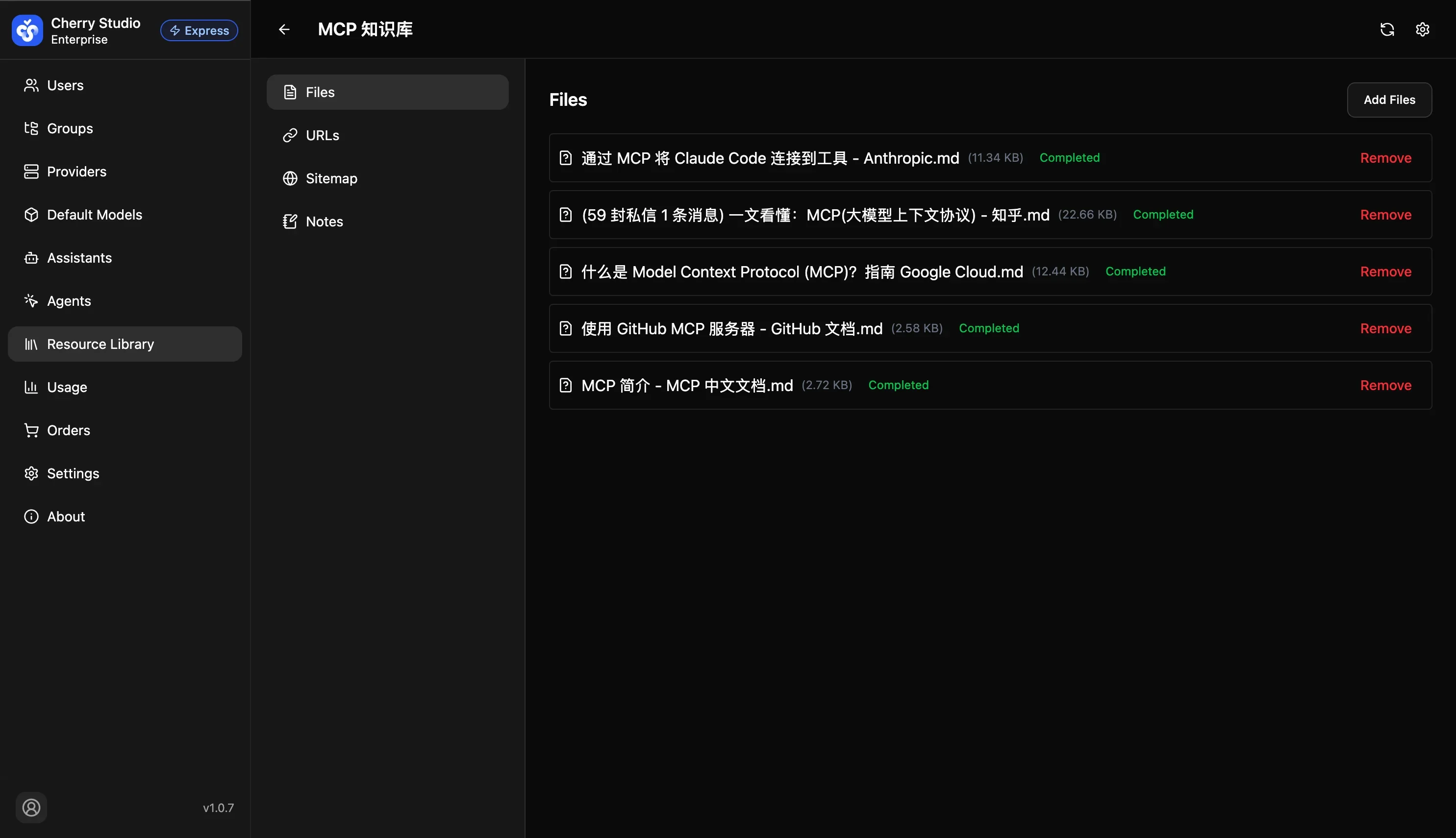
Use for bulk uploading existing enterprise documents.
- Path: Sidebar Files > Add File.
- Supported formats:
.md,.txt,.pdf,.docx, etc. - Status meanings:
Processing: The system is chunking and vectorizing.Completed: Data is indexed and searchable.Failed: File may be corrupted or encrypted; check and retry.
File privacy warning: Ensure uploaded PDFs or documents are not password-protected; otherwise indexing will fail.
B. URL & Site
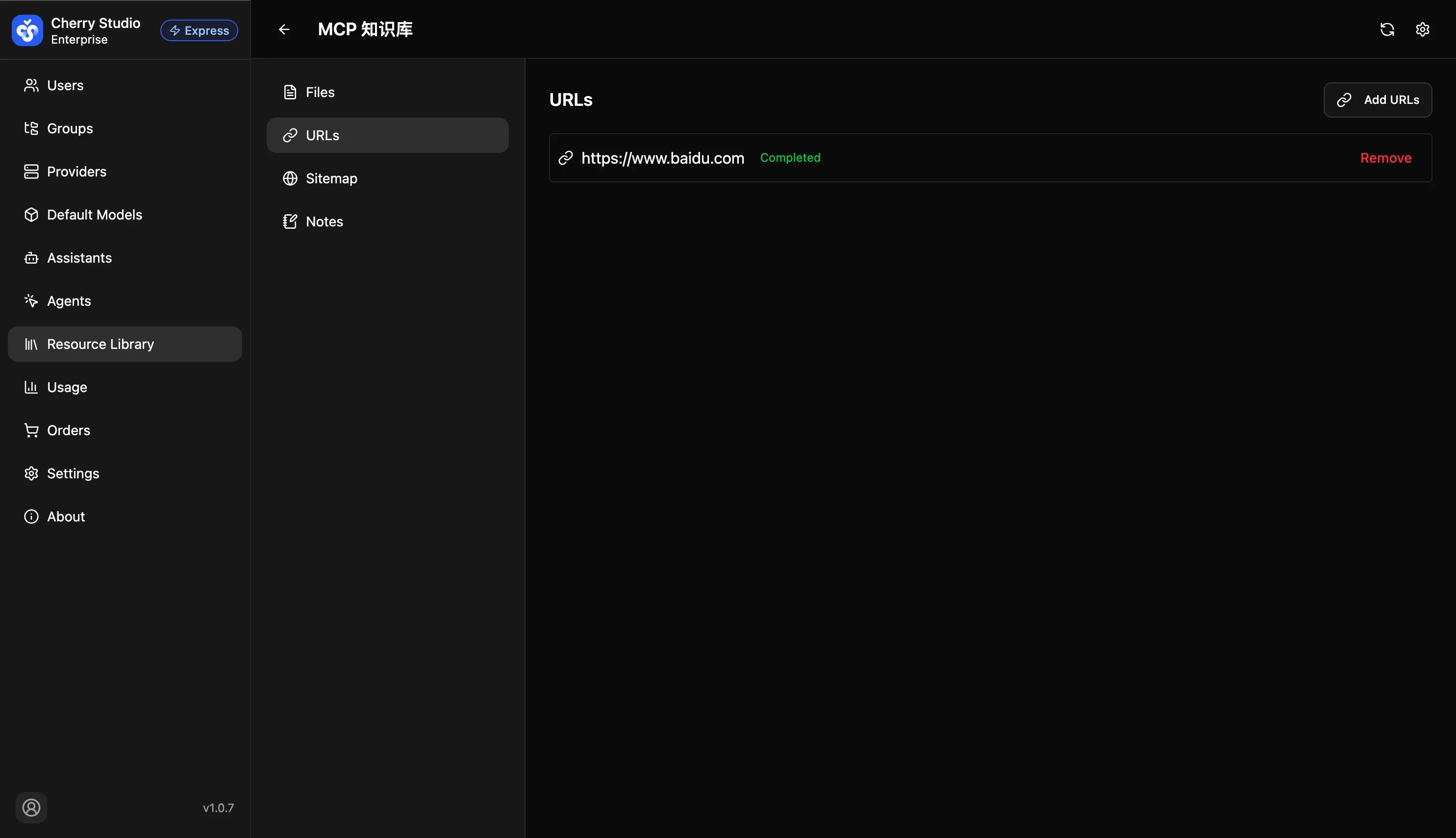
Use for crawling online data.
- URL: Crawl a single page (e.g., a news article).
- Site: Enter a root domain; the system crawls related pages under the site.
C. Notes

Use for quick, fragmented knowledge without creating files.
- Path: Sidebar Notes > Add Note.
- Use cases: Temporary meeting notes, urgent business change notices, internal QA pairs.
- Action: Paste text or Markdown directly and save.