Maintenance and Tuning
Adjust chunking and reranking settings and verify retrieval quality to continuously improve AI responses.
Modify Configuration
Click Settings in the knowledge base list to edit name, description, and rerank model strategy.
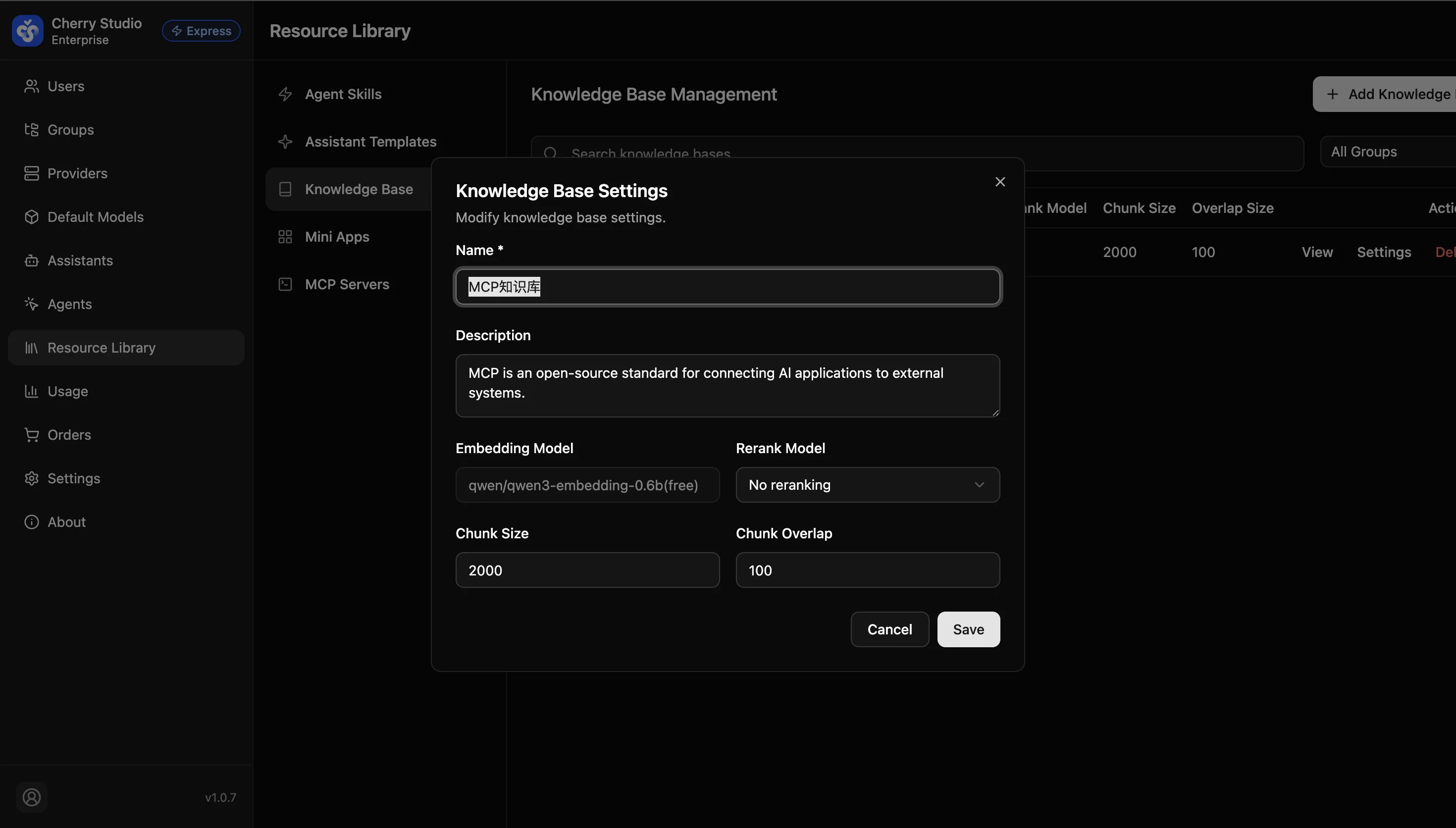
When to change chunk size? If AI responses often quote partial content with missing context, the chunk size may be too small. If responses include lots of irrelevant text, the chunk size may be too large. Changing this usually requires re-uploading/processing documents.
Validate Retrieval Quality
To ensure the knowledge base is configured correctly:
- Go to Assistant Management and create a test assistant.
- In Knowledge Base Settings, associate the newly created knowledge base.
- In the preview panel or client, ask a question that exists only in this knowledge base (e.g., "What is our late-arrival deduction policy?").
- Success indicator: The assistant answers correctly and hovering over the answer shows a citation pointing to your document.