Add Custom Mini Program
Package any Web URL as a mini program with name, icon, and group settings, then add it to the client.
Steps
- Click + Add Mini Program in the top right.
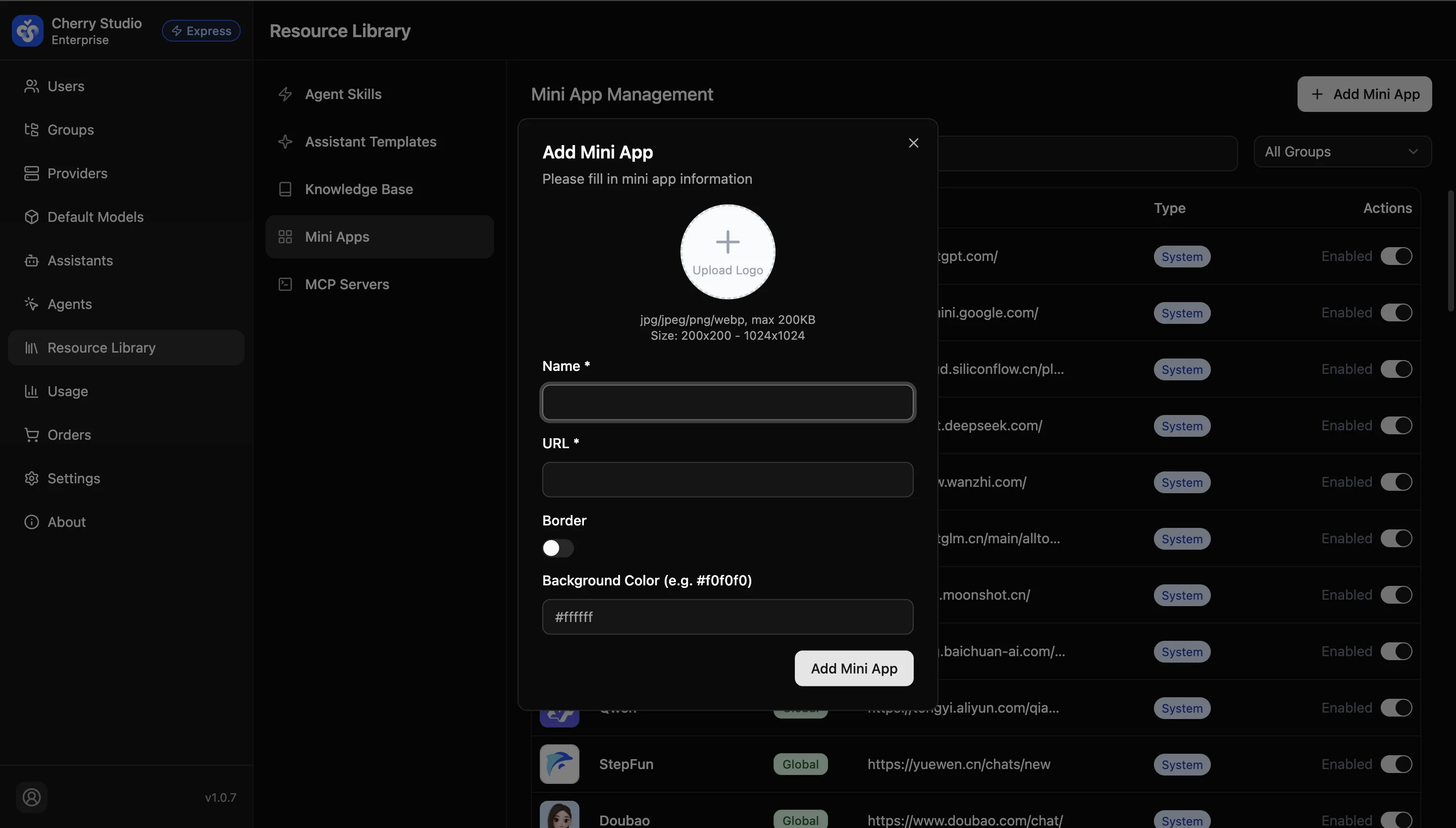
- In the dialog, complete the configuration:
| Module | Field | Description |
|---|---|---|
| Visual identity | Upload logo | Use PNG or WebP with transparent background if possible. Recommended size 200x200px, max 200KB. |
| Name | Text shown under the icon (keep short for aesthetics). | |
| Core config | URL | Must include protocol (e.g., https://).Example: https://docs.cherry-ai.com |
| Style tweaks | Border | Adds a subtle border around the icon; useful if logo color matches sidebar background. |
| Background color | Set a background color for the logo (supports hex like #FFFFFF). For transparent PNGs, this improves visibility. |
- Click Add Mini Program to save.
URL restriction: Use secure links starting with https://. Due to client security policies, regular http:// links may be blocked or fail to load.
UI Overview and System Presets
The Mini Program interface includes system presets (official AI services) and custom apps (enterprise-added links). Admins can enable, disable, or add apps as needed.
Edit and Maintain
Update custom mini program settings such as URL and logo, or delete programs no longer needed.