Edit and Maintain
Update custom mini program settings such as URL and logo, or delete programs no longer needed.
Navigation: Admin Console → Resource Library → Mini Programs → Find the target app and click the Edit button
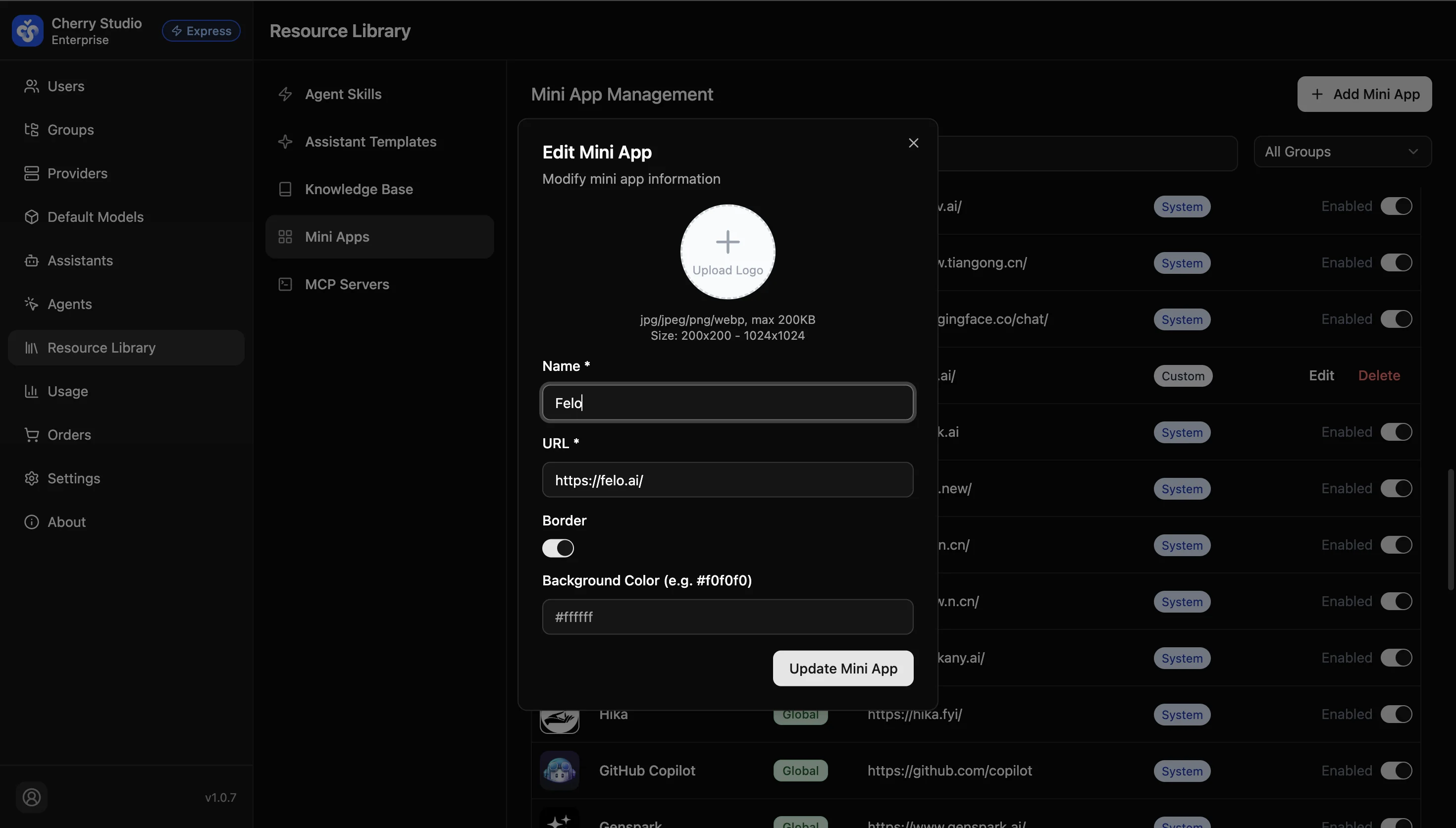
Update Info
- Find the target mini program (type: Custom).
- Click Edit in the actions column.
- Update URL (e.g., service migration) or replace the Logo.
- Click Update Mini Program to apply.
Delete Mini Program
- Click the red Delete button to permanently remove it.
- Note: Deletion takes effect immediately; the entry disappears from all employee clients.