UI Overview and System Presets
The Mini Program interface includes system presets (official AI services) and custom apps (enterprise-added links). Admins can enable, disable, or add apps as needed.
UI Layout
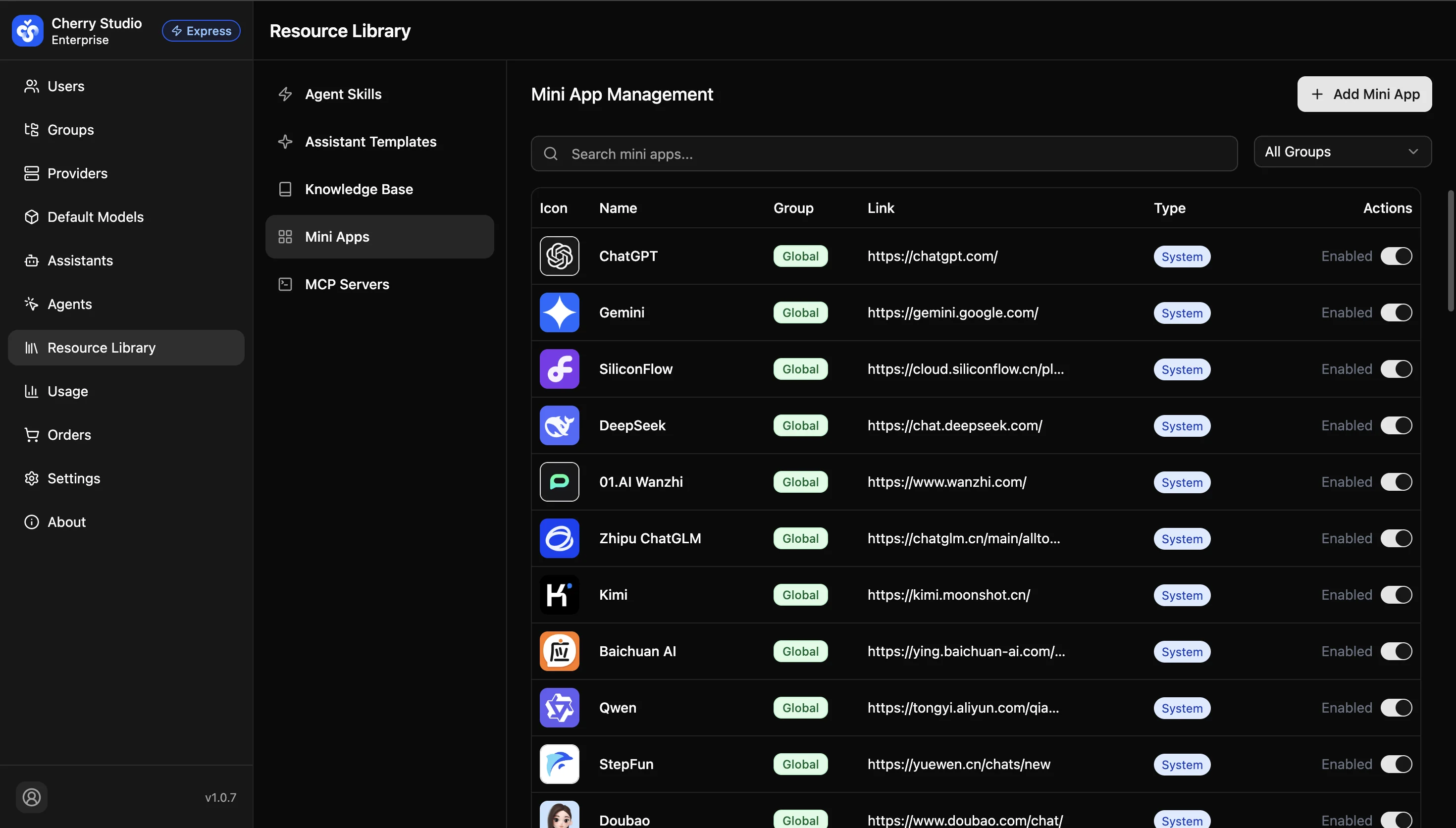
The list includes two categories:
- System presets: Officially curated mainstream AI services (DeepSeek, Qwen, Zhipu GLM, etc.). The URLs are maintained by Cherry Studio; admins only enable/disable them.
- Custom: Internal or third-party links added by admins.
Why can’t some apps be deleted? System preset mini programs are hard-coded for stability. They can be disabled (hidden) but not deleted.
Quick Enable/Disable
In the Enabled column on the right, toggle whether the app appears in the client sidebar.
- ON: All employees will see the icon after restarting the client.
- OFF: The app is hidden but configuration is kept.