Basic Settings
Configure the data sync interval between client and server, balancing data safety and system performance.
Configuration
- Go to System Settings > Basic Settings.
- Adjust sync parameters as needed.
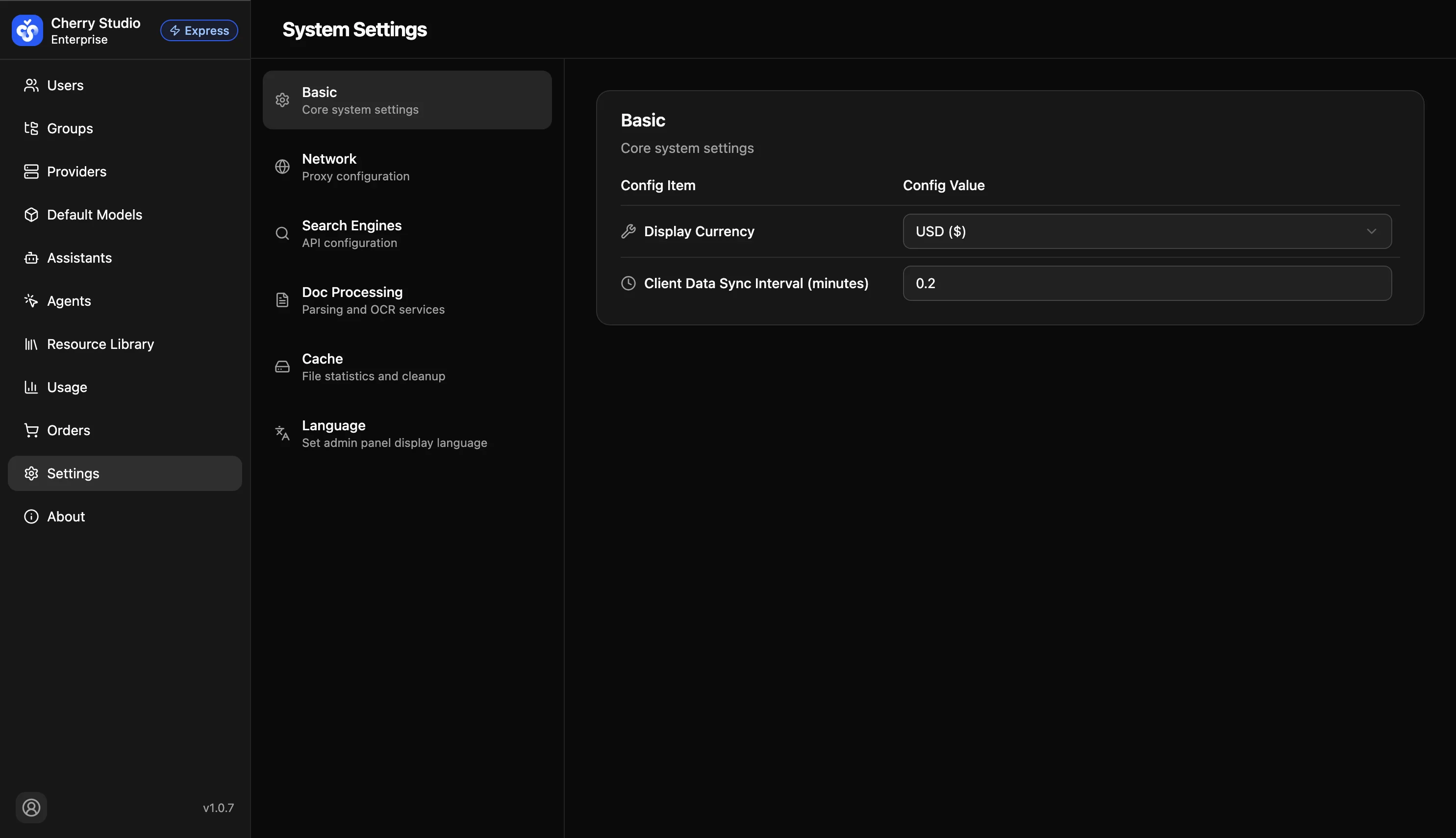
Parameter Details
| Parameter | Description | Recommended |
|---|---|---|
| Display Currency | Sets the currency unit for displaying monetary data in the admin panel. | Choose USD or CNY based on your organization's billing currency. |
| Client data sync interval | Controls how often local data (chat history, settings) syncs to server. Unit: minutes. | Default: 1 • Low frequency (5-10): For low-spec devices, reduces background load. • High frequency (1): Minimizes data loss risk. |
Tip: Changes are saved automatically. In poor networks, consider increasing the interval.
System Settings
System Settings is the global control center of Cherry Studio. Configure how the app connects to the internet, handles local data, and calls external enhancement services.
Network Settings
Configure proxy servers to ensure the system can access the configured model providers and external APIs in restricted network environments.