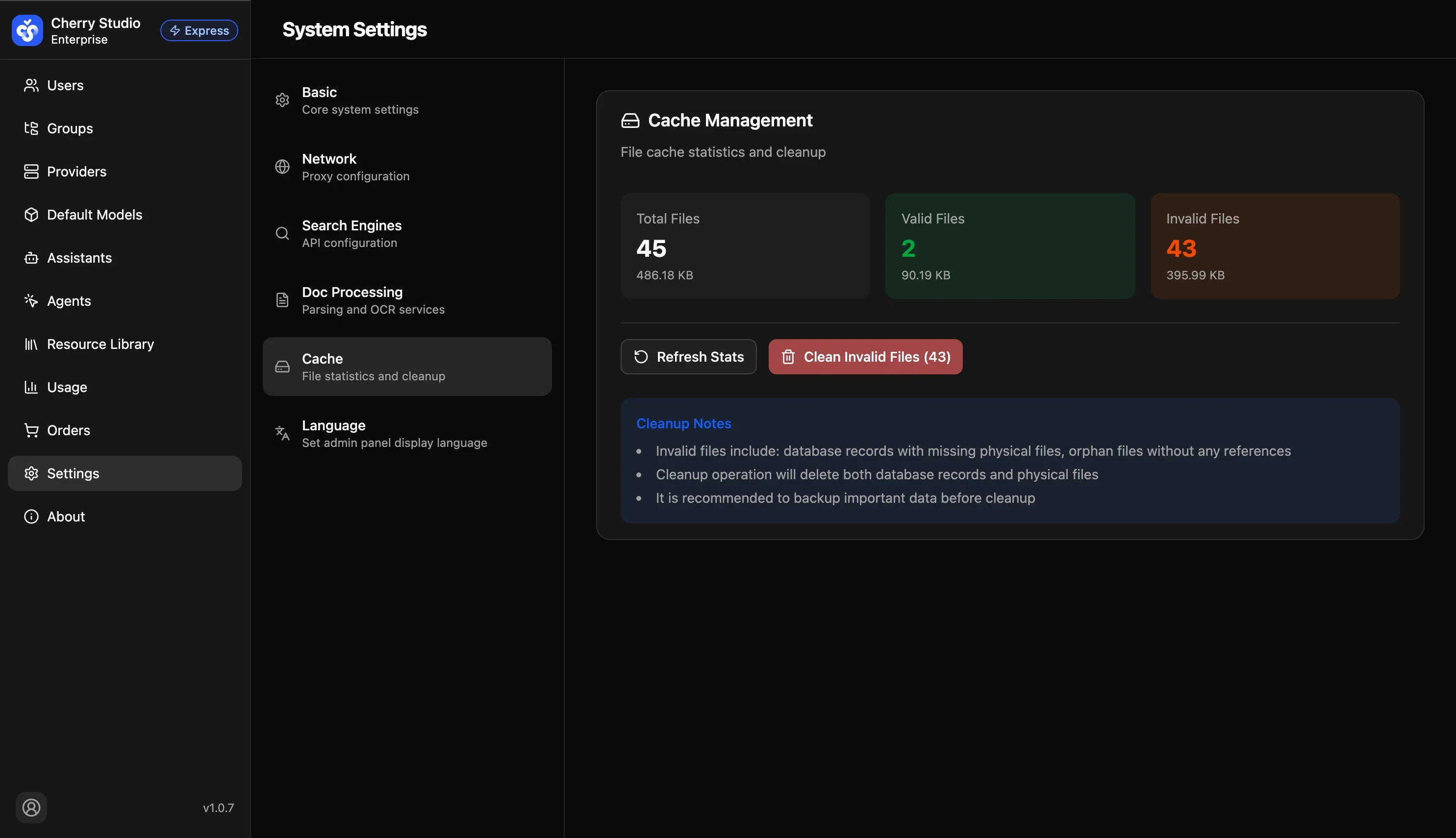
Cache Management
Monitor local storage usage and clean up unused temporary files to free disk space.
Status Metrics
| Metric | Meaning |
|---|---|
| Total files / size | All files under the data directory. |
| Valid files | Files referenced by the knowledge base or active chats. The system protects these files from deletion. |
| Invalid files | Orphan files whose DB records were deleted but files remain on disk. |
Cleanup
- Click Refresh stats to scan disk usage.
- Review Invalid files count and size.
- Click Clean invalid files to run cleanup.
⚠️ Risk Warning
Data safety warning:
- Cleanup will permanently delete files marked as invalid.
- This operation is irreversible.
- Although the system identifies invalid files via DB comparison, we strongly recommend backing up the Cherry Studio data directory before cleanup to avoid loss due to edge cases.