Language Settings
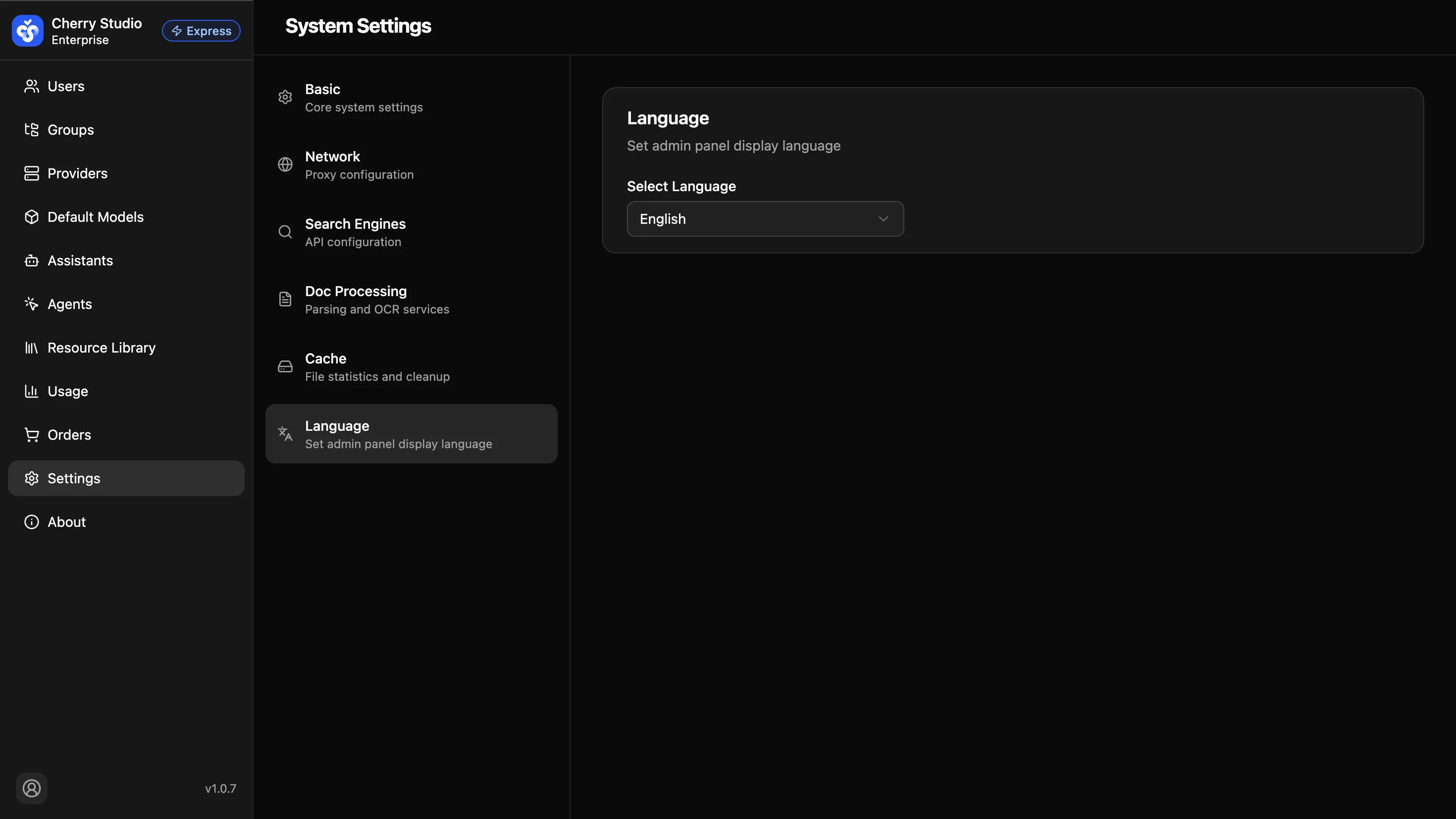
Set the display language for the admin panel. Supports auto-detection, Simplified Chinese, English, and Japanese.
How to Set
- Go to System Settings > Language.
- Select the desired language from the Select Language dropdown.
Available Languages
| Option | Description |
|---|---|
| Follow System | Automatically matches the browser's language. |
| 简体中文 | Display the admin panel in Simplified Chinese. |
| English | Display the admin panel in English. |
| 日本語 | Display the admin panel in Japanese. |
The language setting only affects the current browser. Changes take effect immediately without refreshing the page.