API Call Logs
View complete records for each API call, including user, model, Token consumption, and request details.
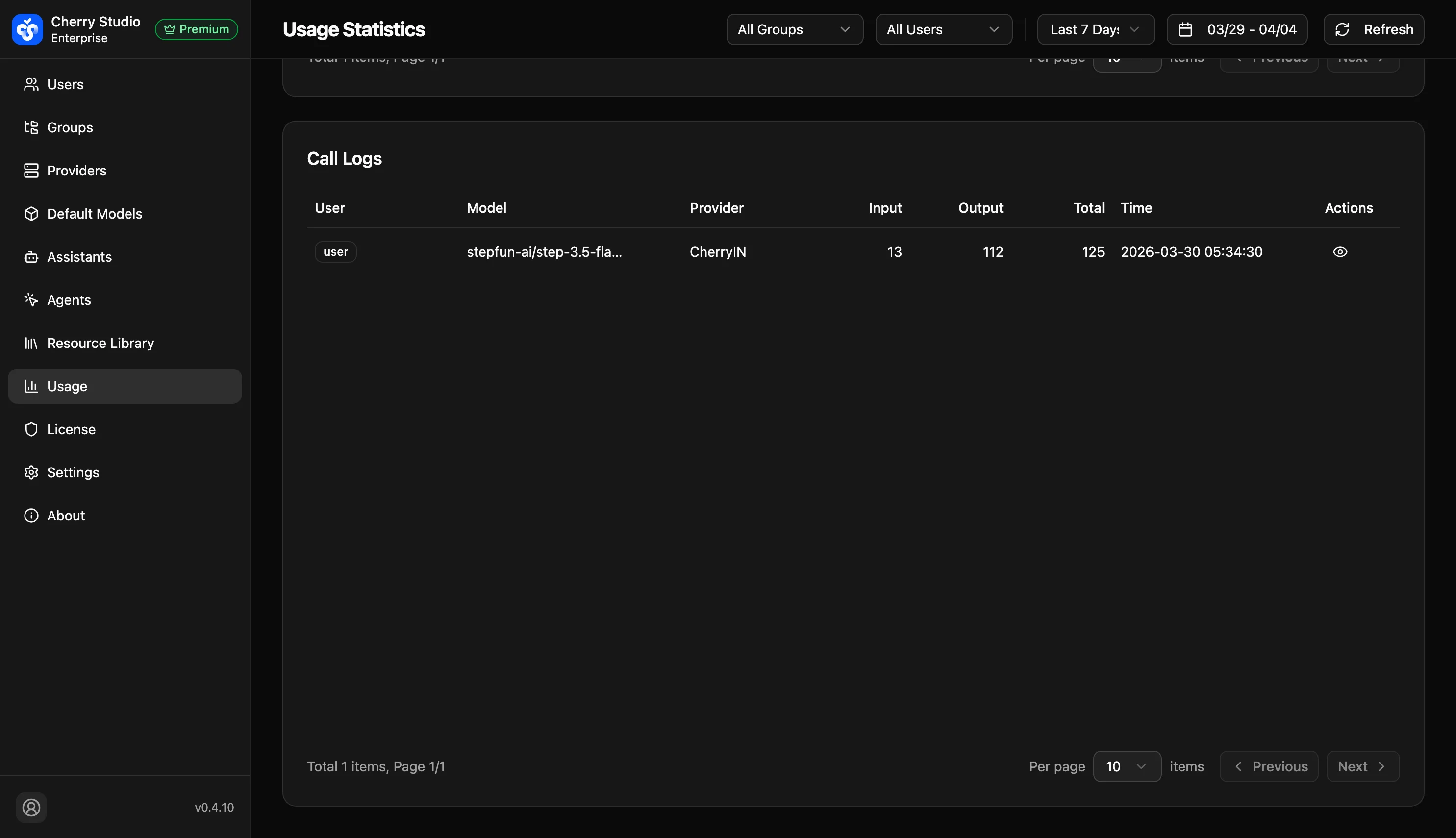
Log Details
Click View (eye icon) on the right to open the detail card:
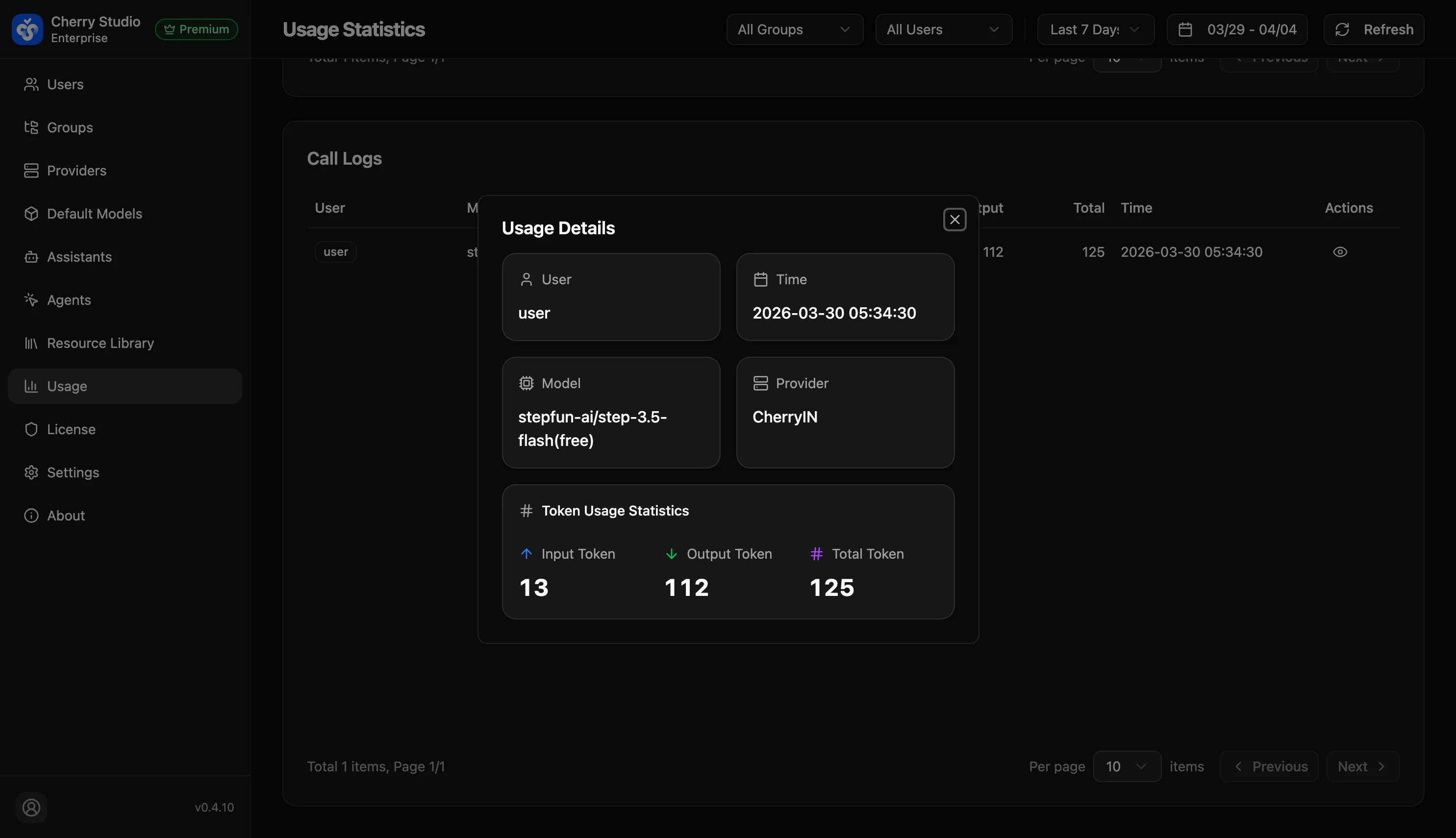
- User: The user who initiated the call.
- Time: Call timestamp (to the second).
- Model: Model ID used (e.g.,
stepfun-ai/step-3.5-flash(Free)). - Provider: The corresponding provider channel (e.g.,
CherryIn). - Token Usage Statistics:
- Input Token: Input consumption for this request.
- Output Token: Output consumption for this request.
- Total Token: Combined total of input and output.
Use Cases
- Troubleshooting: If users report truncated responses or errors, find the log by timestamp to see if token limits were hit.
- Compliance audit: Confirm calls in specific time ranges meet enterprise policies.