Download and sign in
Download the client, sign in with your enterprise account, and check system requirements.
- Client download: https://enterprise.cherryai.com.cn/download
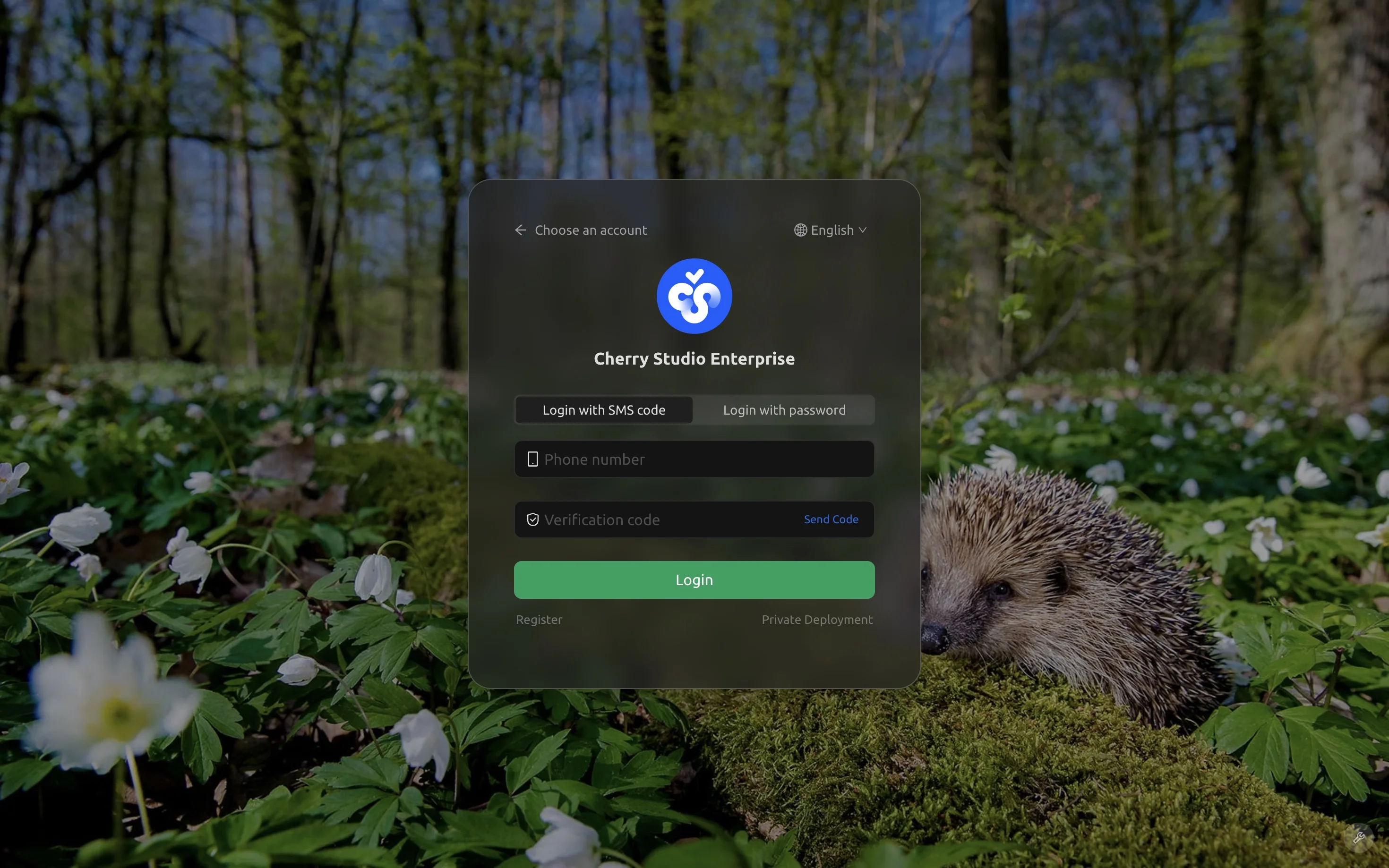
The client signs in with a cloud account using one of these options:
- Login with SMS code: Enter your phone number, receive a verification code, and log in.
- Login with password: Log in with your registered phone number and password.
If you don't have an account yet, click "Register" in the bottom-left corner.
System Requirements
Windows
- Windows 10 or later
- 4GB RAM (8GB recommended)
- 500MB of available disk space
macOS
- macOS 10.15 or later
- 4GB RAM (8GB recommended)
- 500MB of available disk space
Linux
- Ubuntu 20.04 or later
- 4GB RAM (8GB recommended)
- 500MB of available disk space